Q9 Digital Color Doppler Ultrasound System
134
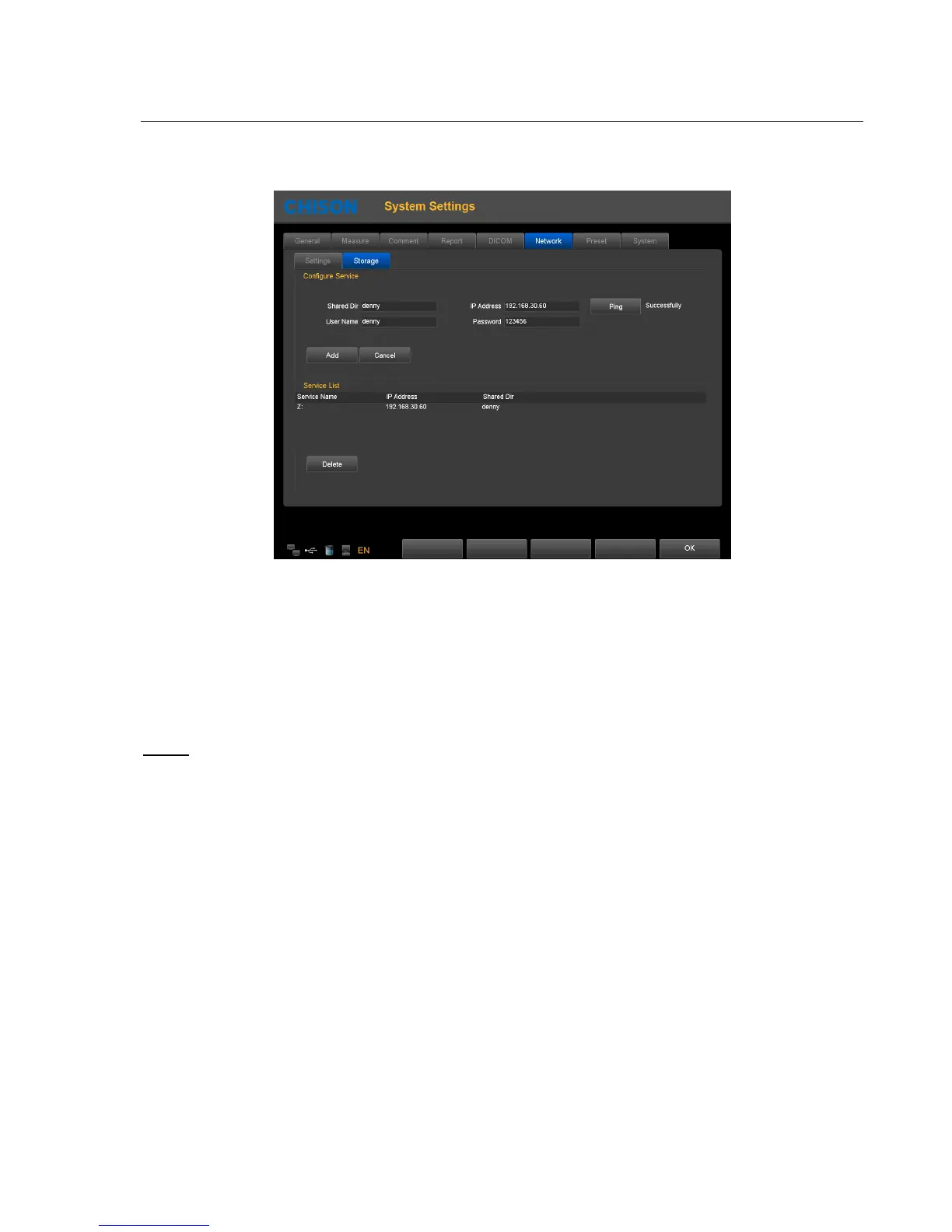
Click Network Storage page, enter the network storage settings page. Then input shared directory name and IP address,
and click Add.
Shared Dir: The shared directory name should be same as the shared folder name in target computer.
IP address: the IP address of the computer with the shared directory
User name: input the name of computer account
Password: input the password of computer account
Add: add a network storage service
Delete: can delete the selected network storage service
Note:
you can add multi-numbers of network storage service to realize the transmission among multi systems.



 To Next Page