14 ChroMate™ Operator’s Manual Doc. 4300 Rev. E
3.3 Instrument Setup & Software Installation
IMPORTANT NOTE:
AS WITH MANY USB DEVICES IT IS CRITICAL THAT YOU DO NOT CONNECT THE
USB CABLE TO THE CHROMATE OR COMPUTER UNTIL THE SOFTWARE HAS
BEEN INSTALLED. DOING SO MAY AFFECT THE INSTALLATION OF THE
APPLICABLE DRIVERS NEEDED TO RUN CHROMATE MANAGER.
Follow the steps in Section 3.3.1 Software Installation and then reference Section 3.3.2
for USB port connectivity.
3.3.1 Software Installation
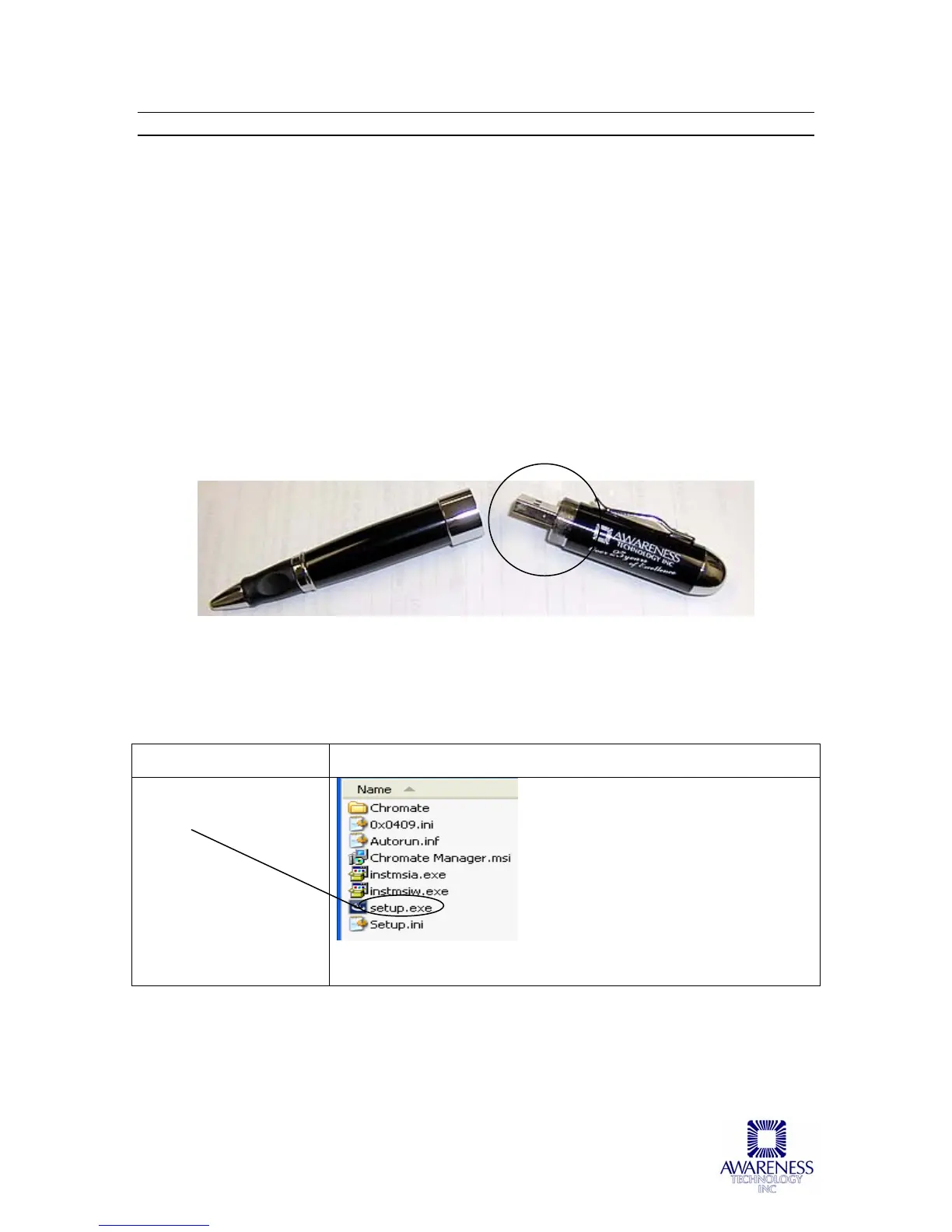
Turn on the computer and insert the USB Mass Storage Device into the USB port of
the computer. Double-click on the setup.exe to begin Setup installation. Follow the
prompts for installing the program and the communications port drivers.
USB Mass Storage Device containing the ChroMate setup.exe (reference Software
Installation)
Steps Prompts/Screen Display
Double-click on
setup.exe to begin
Setup
Figure 3.3.1-1 Double-Click to Begin Setup



 To Next Page