ChroMate™ ChroMate™ Operator’s Manual Doc. 4300 Rev. E 59
5.3 ChroMate Manager Tabs
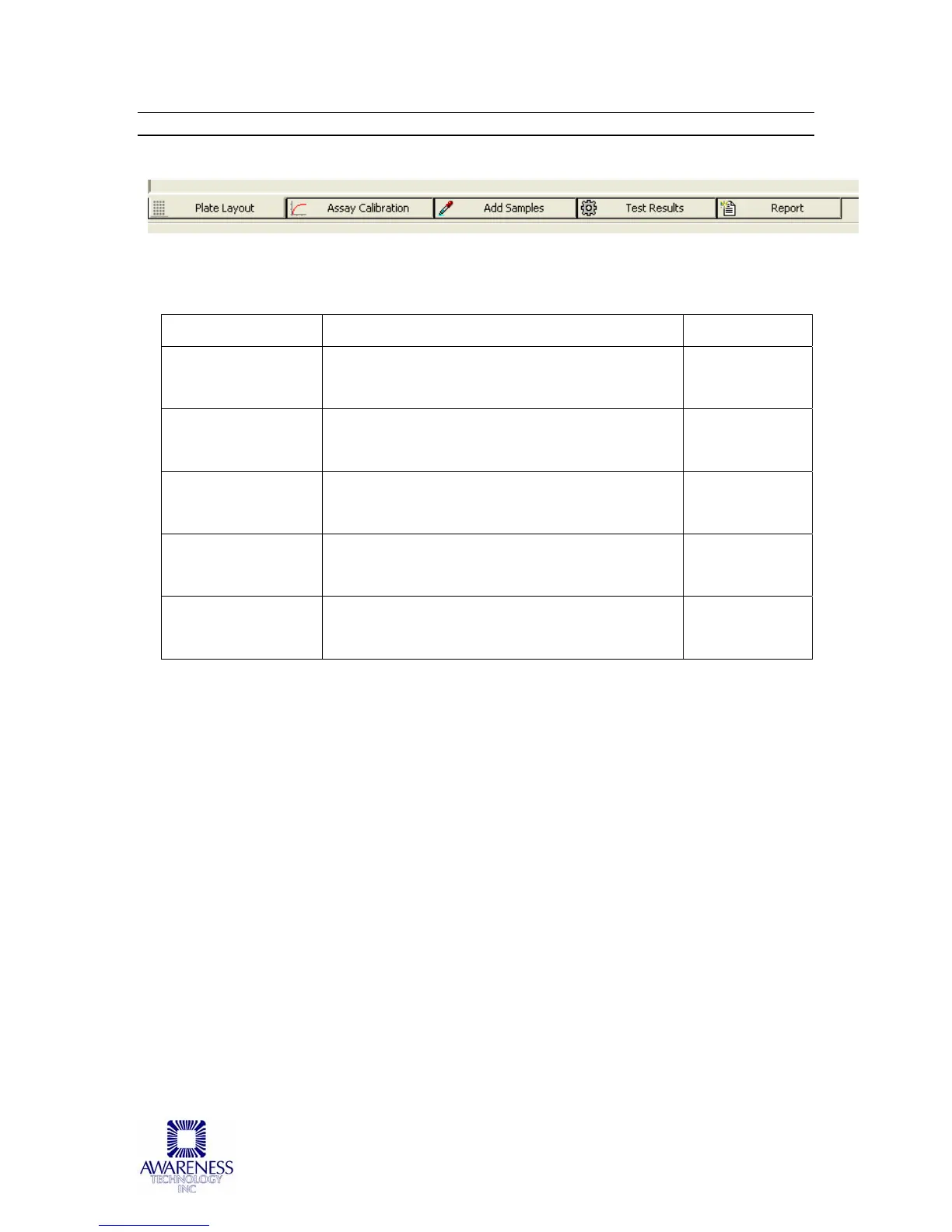
The ChroMate Manager Tabs are located at the bottom of the screen:
Tab Title: Description: Item No.:
Plate Layout Tab Plate Layout is ChroMate’s default
window. Refer to Section 5.3.1.
1
Assay
Calibration Tab
Refer to Section 5.3.2 2
Add Samples Tab Refer to Section 5.3.3 3
Test Results Tab Refer to Section 5.3.4 4
Report Tab Refer to Section 5.3.5 5
The list above is the order in which the tabs appear on the menu. In practice, the
order the tabs will be used/repeated are:
Assay Calibration Tab
Add Samples Tab
Plate Layout Tab
Assay Calibration Tab
Test Results
Report Tab
1 2 3 4 5



 To Next Page