10 ChroMate™ Operator’s Manual Doc. 4300 Rev. E
3. INSTALLATION
3.1 Unpack Instrument
Carefully unpack the instrument, removing it from its plastic bag. Report any damage to
your freight carrier at once. The box will also contain the Operator’s Manual, a power
cord, a USB cable, a replacement lamp, and a USB mass storage device.
NOTE: Retain the original packing material for future use in the event that the instrument
is shipped to another location or returned for service.
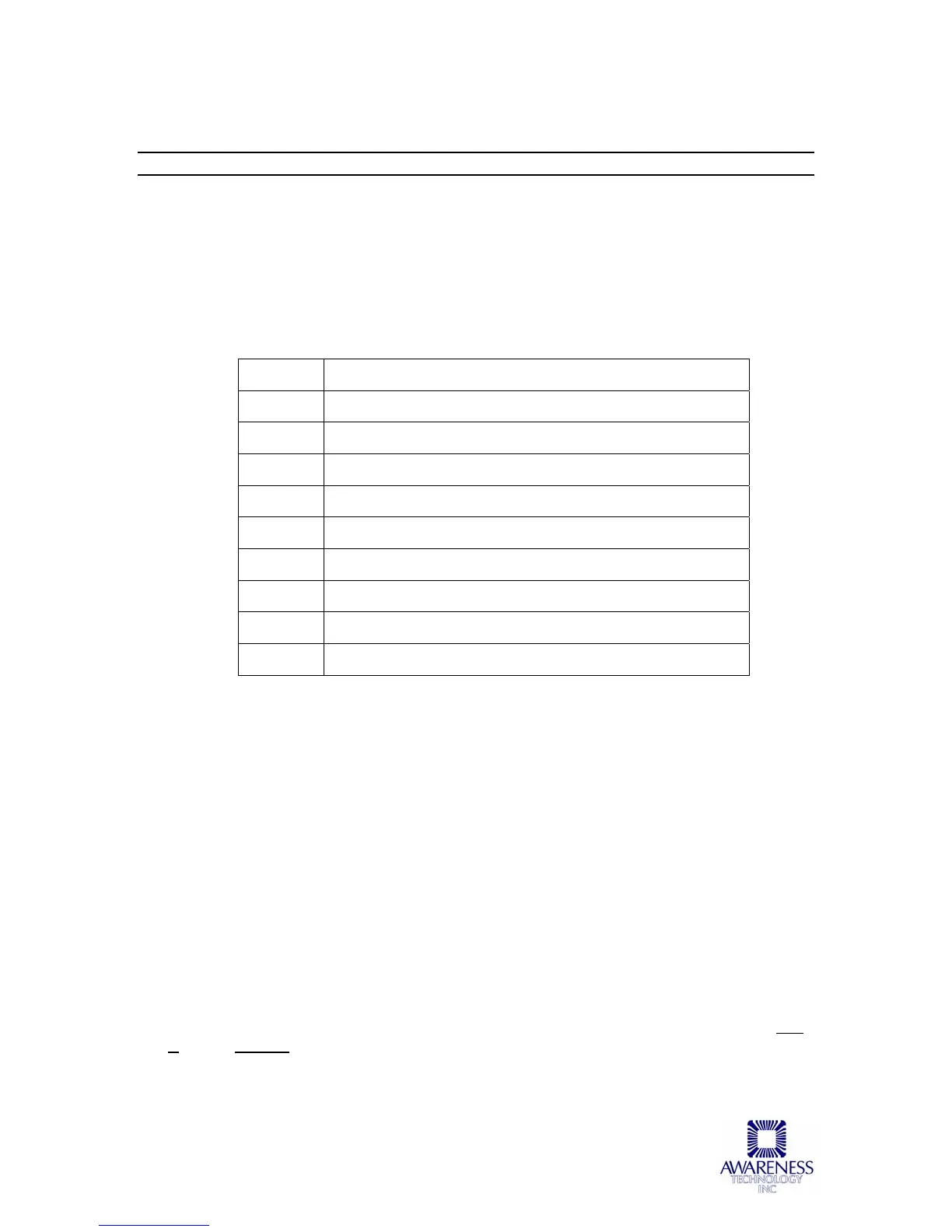
Unpacking Checklist
Quantity Description
1 Customer copy of packing list
1 Unpacking instructions sheet
1 Certificate of Conformity
1 Certificate of Quality
1 Instrument Set Up and Operator’s Manual
1 Power cord
1 USB cable
1 Replacement lamp for photometer
1 USB mass storage device
Instrument Mounting and Use
Place the instrument on a flat working surface capable of safely supporting the weight of
the instrument (5.657 kg). Excessive vibration during reading may cause poor
repeatability; thus, a sturdy working surface is required. A clearance of at least 3 inches
(8cm) around the instrument is required to assure optimal ventilation.
Power Switch Position
When installing the power cord the unit should be turned off. Look at the rear panel of
the instrument to check that the power switch is in the OFF position. A diagram of the
rear panel can be found in the Section Parts and Controls.
Power Cord Requirements
Use only the power cord specified for this product and certified for the country of use.
For 110-120 V units used inside the US use a UL listed cord set consisting of a
minimum 18 AWG, Type SVT or SJT three conductor cord, maximum 3 meters (10 feet)
in length, rated 10 A, 125 V, with a parallel blade, grounding type attachment plug.
For 220-240 V units used inside the US use a UL listed cord as above, except rated 250
V, with a tandem blade, grounding type attachment plug. The cord set provided by the
manufacturer meets these requirements.



 To Next Page