ChroMate™ ChroMate™ Operator’s Manual Doc. 4300 Rev. E 39
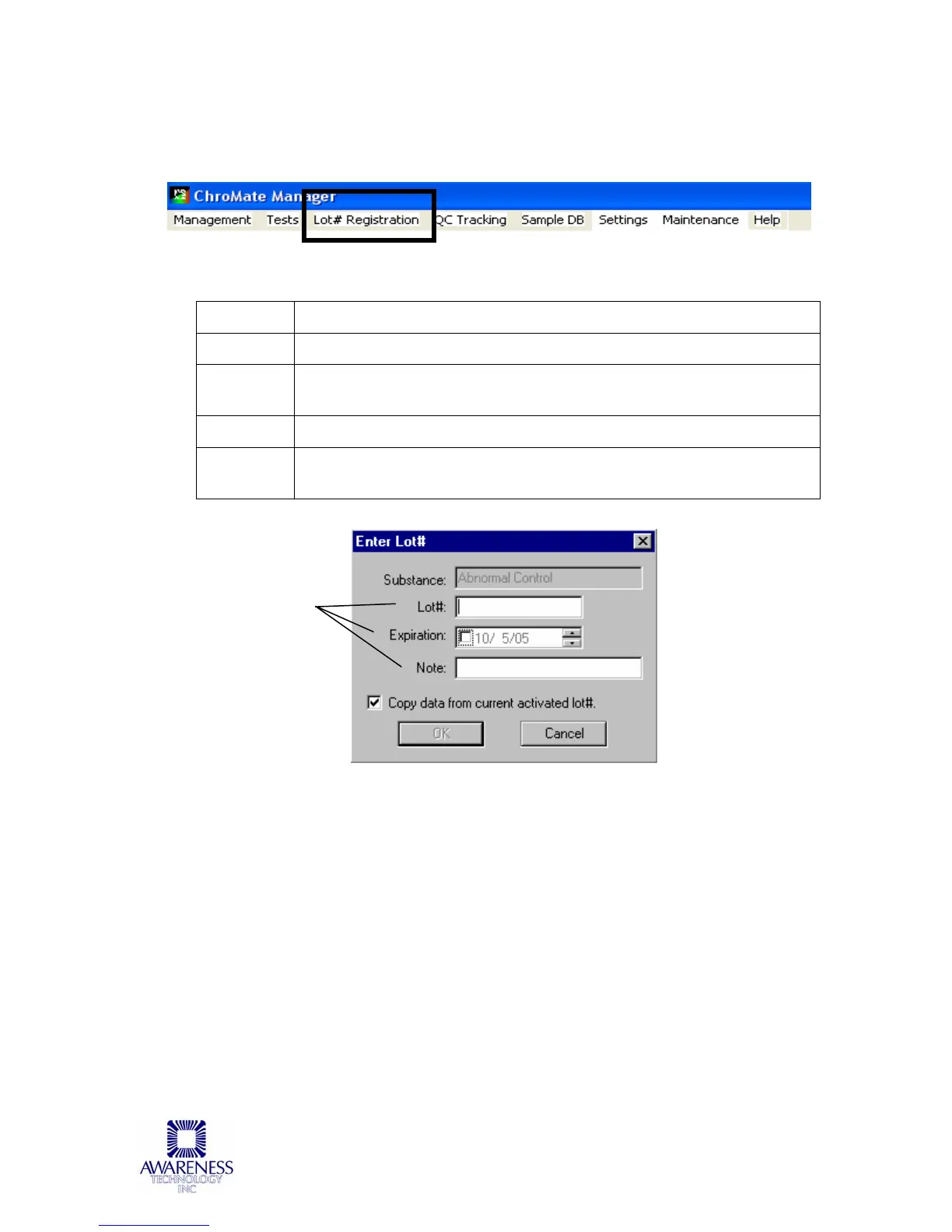
5.2.3 Lot # Registration Menu
Calibrator (standard) values are set in the Create or Edit an Assay Section and
entering lot numbers for them is optional. See steps below:
Figure 5.2.3-1 Choose the corresponding name
STEPS DESCRIPTION
1
Click on Lot # Registration from the Management Menu.
2
Identify the Substance in the left column to be registered by
clicking on the substance title.
3
Click “Register”
4
Enter the lot number and a description (optional). Click OK to
Save.
Figure 5.2.3-2 Enter Lot # and optional description



 To Next Page