52 ChroMate™ Operator’s Manual Doc. 4300 Rev. E
5.2.6.1.1.3 Report Appearance
OPTION DESCRIPTION
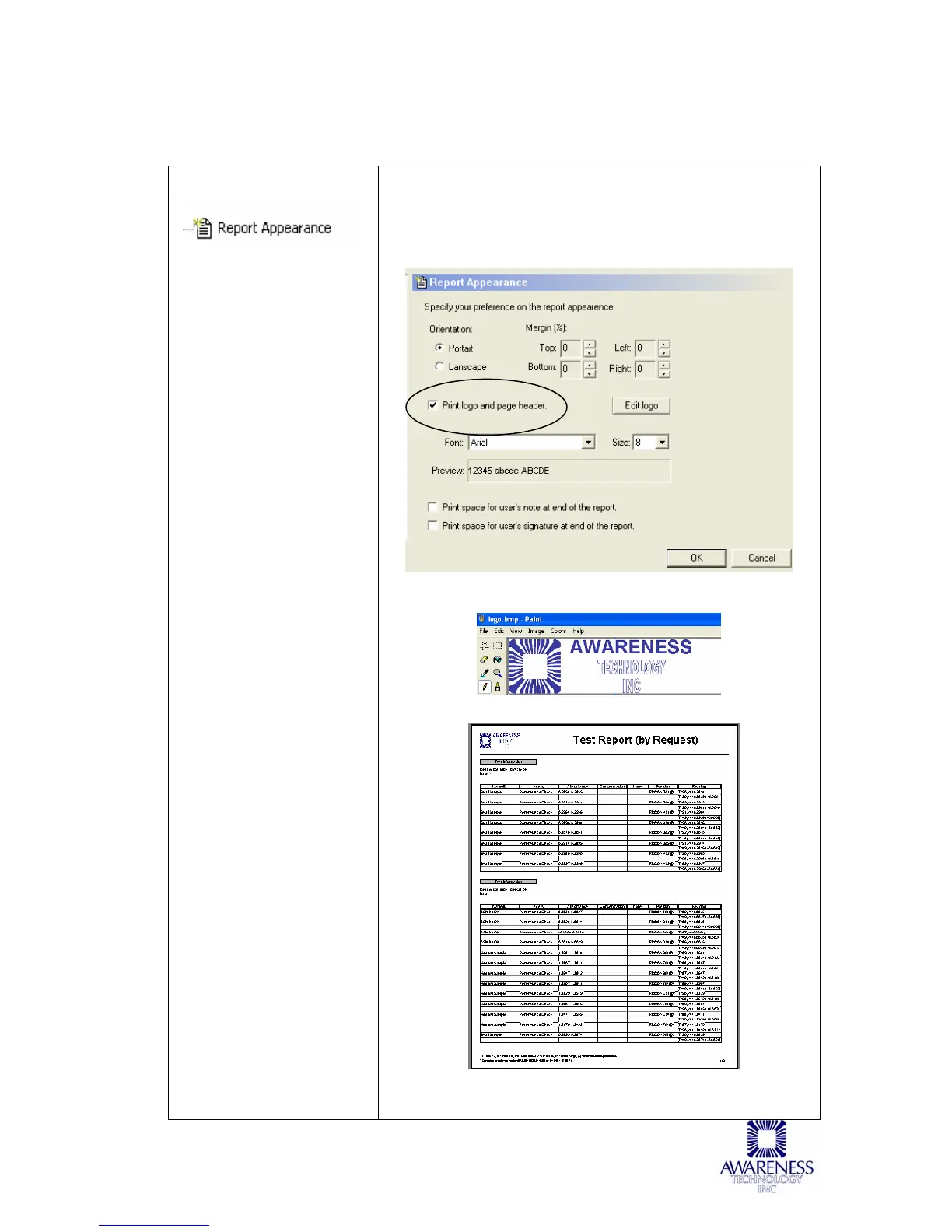
NOTE: Refer to Figure A
for a logo example and
report sample.
Report Appearance allows the user to specify their
preferences such as margins, page orientation, logo,
font etc.
Figure A - Logo Example and Report



 To Next Page