42 ChroMate™ Operator’s Manual Doc. 4300 Rev. E
5.2.5 Sample Database
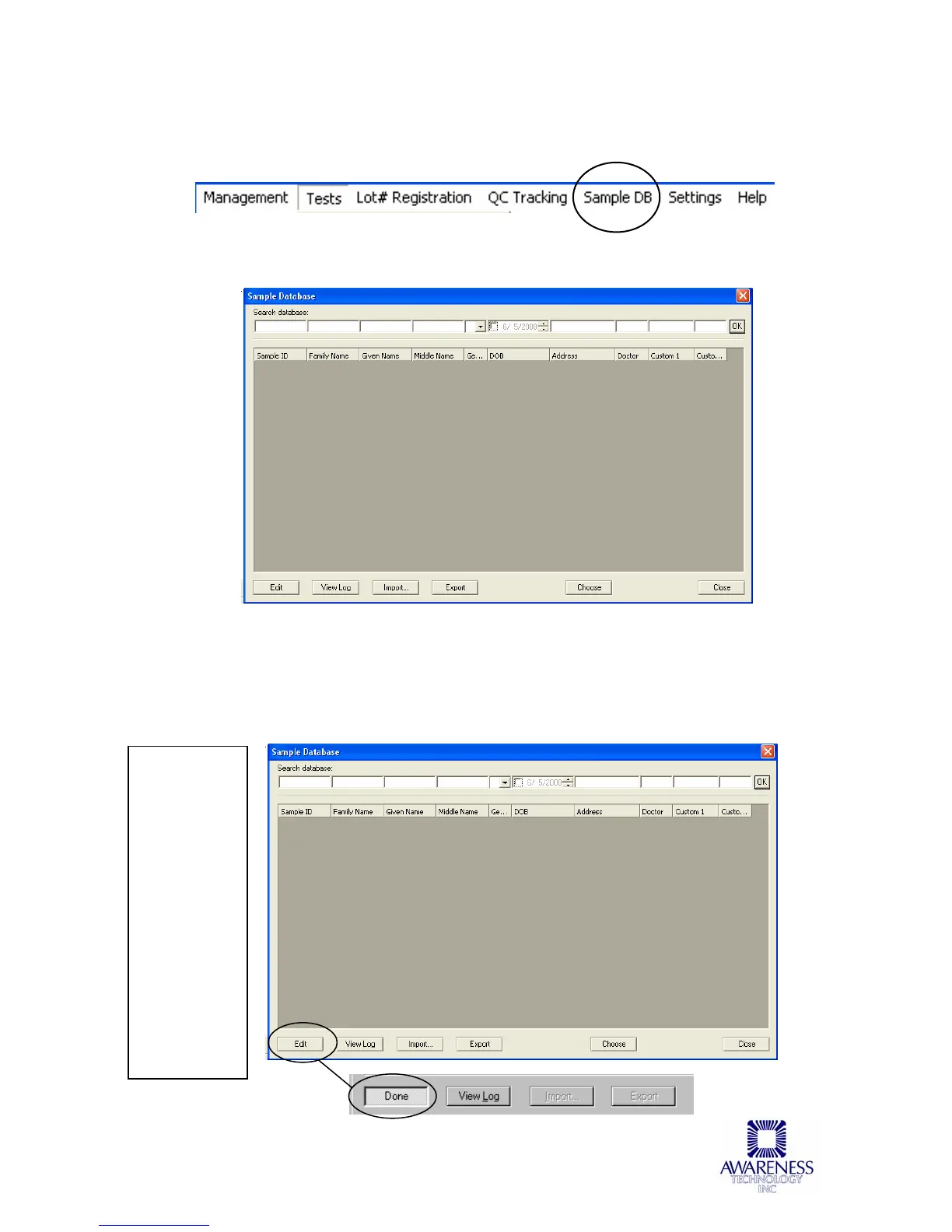
Select Sample DB from the ChroMate Manager Menu Bar:
When first opened, the Sample Database window will not have any records to
display:
5.2.5.1 Add to Sample Database
Select the Edit button to enter Sample ID, Family Name, Given Name, etc. This
will be helpful as search criteria when searching the database. Press the Done
button when finished. NOTE: The Edit button toggles to Done.
Click on
the Edit
button to
enter data.
The Edit
button will
toggle to
Done.
Click on
the Done
button
when
finished
entering
data.



 To Next Page