56 ChroMate™ Operator’s Manual Doc. 4300 Rev. E
5.2.6.3 Select Language
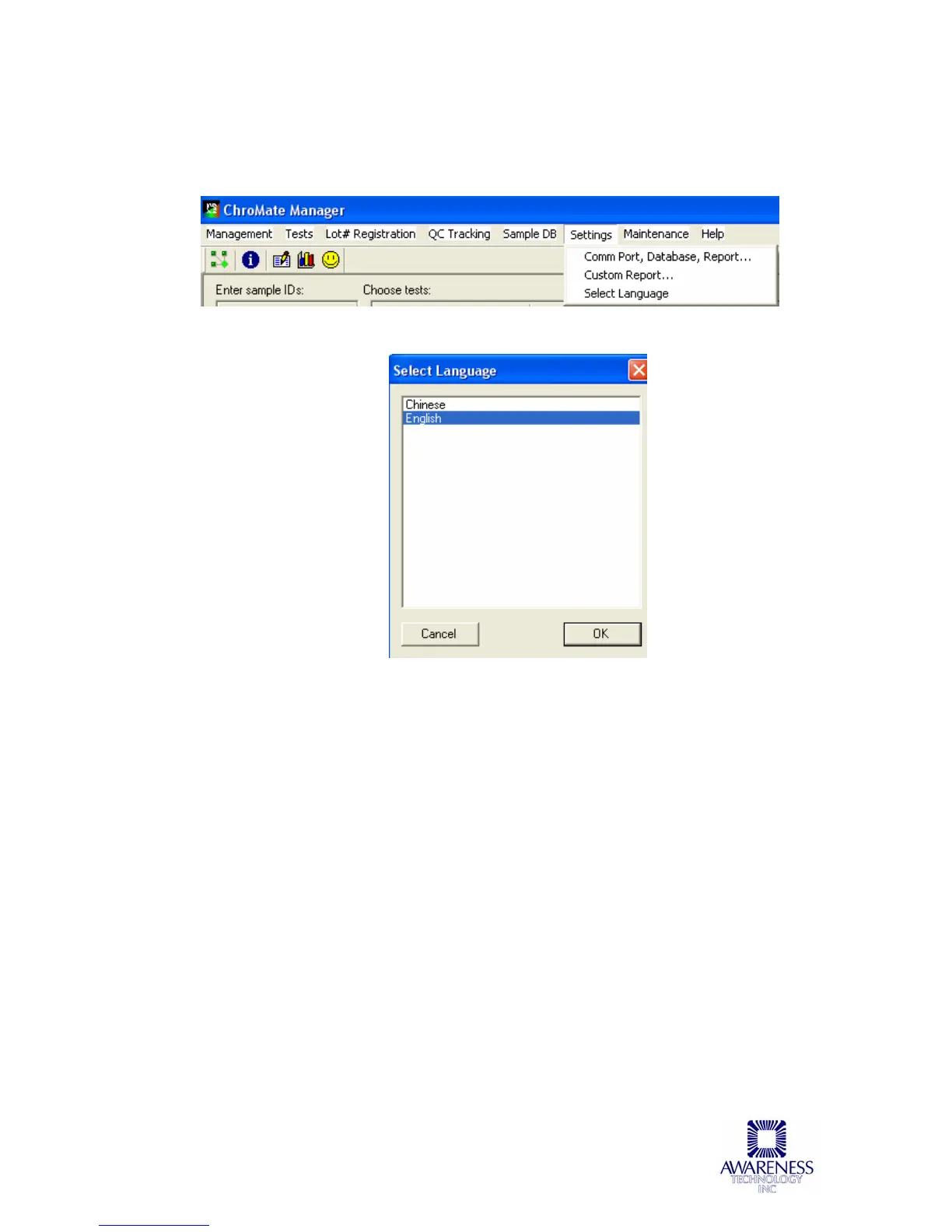
To change the language setting from the default, choose Select Language under
the Settings menu.
A list of the available language choices will display. After selecting a language, it
will be necessary to close the Manager and restart the software to initialize the
selected language.
The selected language will remain in effect until another language is selected
and the software is restarted as in the step above.



 To Next Page