ChroMate™ ChroMate™ Operator’s Manual Doc. 4300 Rev. E 35
5.2.2.2 Create Assay
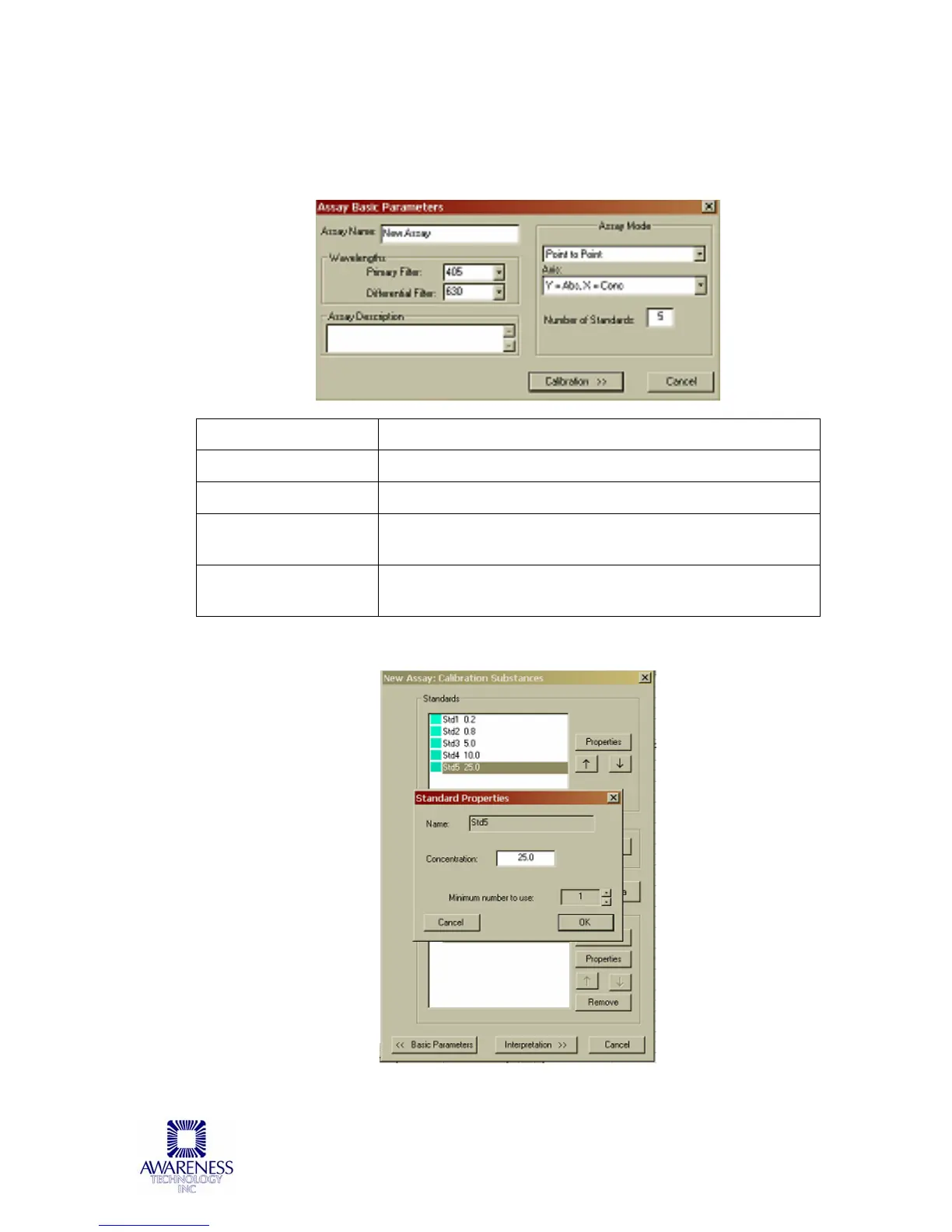
Create Assay accessed via the Tests Menu selection on the ChroMate
Manager’s Menu Bar:
OPTIONS DESCRIPTION
Assay Name
Enter the name of the assay
Wavelengths
Select the Primary Filter and the Differential Filter
Select an Assay
Mode
Select an Assay Mode for the drop down window
Calibration Button
Press the Calibration button to continue to the next
window to enter the standard properties.
Specify standard’s concentration for curve calculation:



 To Next Page