ChroMate™ ChroMate™ Operator’s Manual Doc. 4300 Rev. E 49
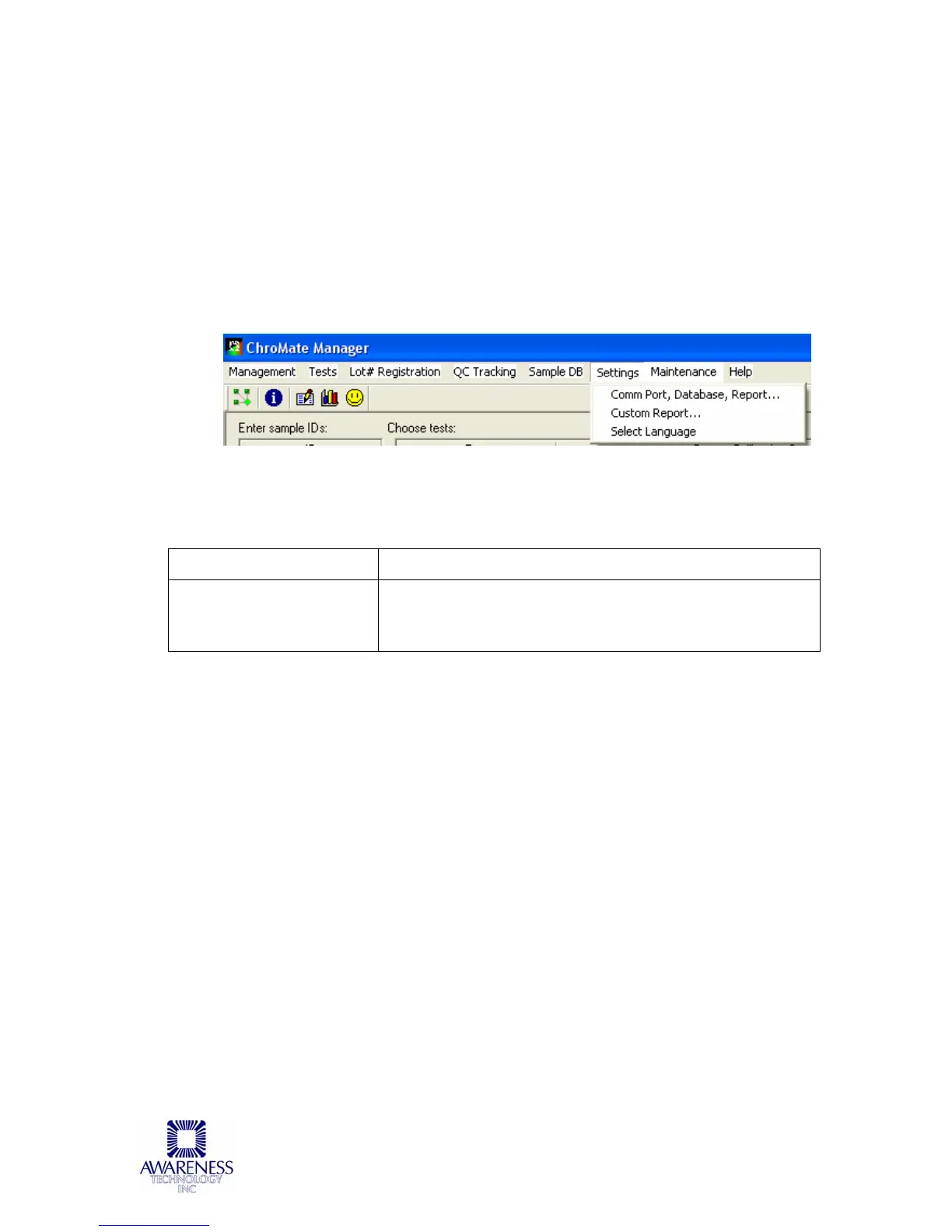
5.2.6 Settings
The Settings tab provides the user control over certain settings that pertain to
Startup, Sample Database, Report Appearance, Report Output, Software, Custom
Report and Select Language settings.
Refer to the Sample Report that follows for an example of the custom reports that
may be generated.
Language selections are English and Chinese.
5.2.6.1 Comm Port, Database, Report Settings
OPTION DESCRIPTION
Comm Port, Database,
Report…:
Refer to the steps in Section 6.2 COM Port Settings to
view / adjust the COM Port Setting of the computer and
the 4300 ChroMate.



 To Next Page