44 ChroMate™ Operator’s Manual Doc. 4300 Rev. E
5.2.5.2 Modify Sample ID
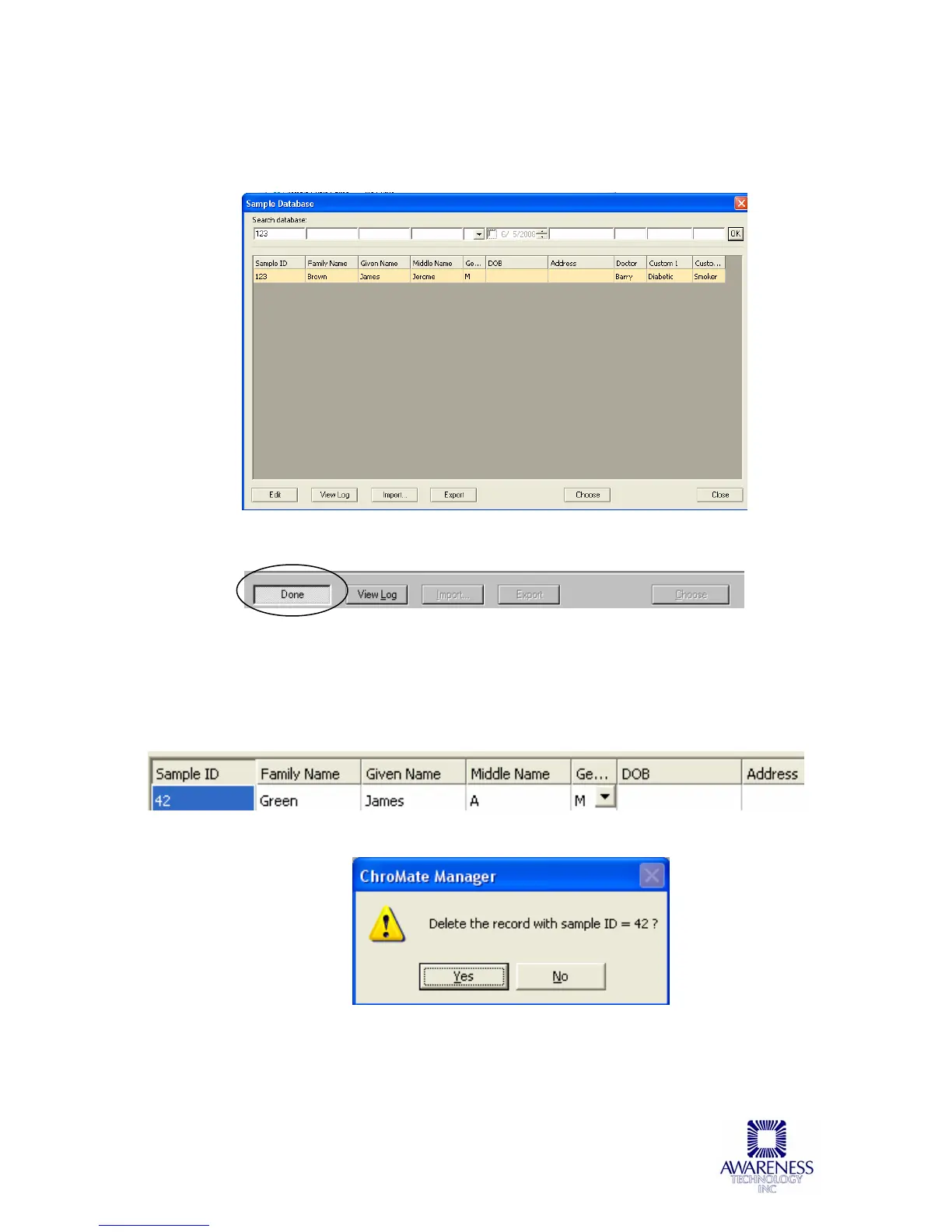
Select Edit to edit an existing patient’s information, create a new one or delete
one.
Modify the information and then press the Done button to save the changes.
5.2.5.3 Delete Sample ID
Highlight the items to be deleted then press the Delete key on the keyboard.
NOTE: The user must be in EDIT mode to be able to delete. A dialog box will
open prompting the user to confirm the deletion of the record. Press Yes to
delete, press No to cancel the deletion process.
Press the Close button to close the Sample DB window.



 To Next Page