ChroMate™ ChroMate™ Operator’s Manual Doc. 4300 Rev. E 43
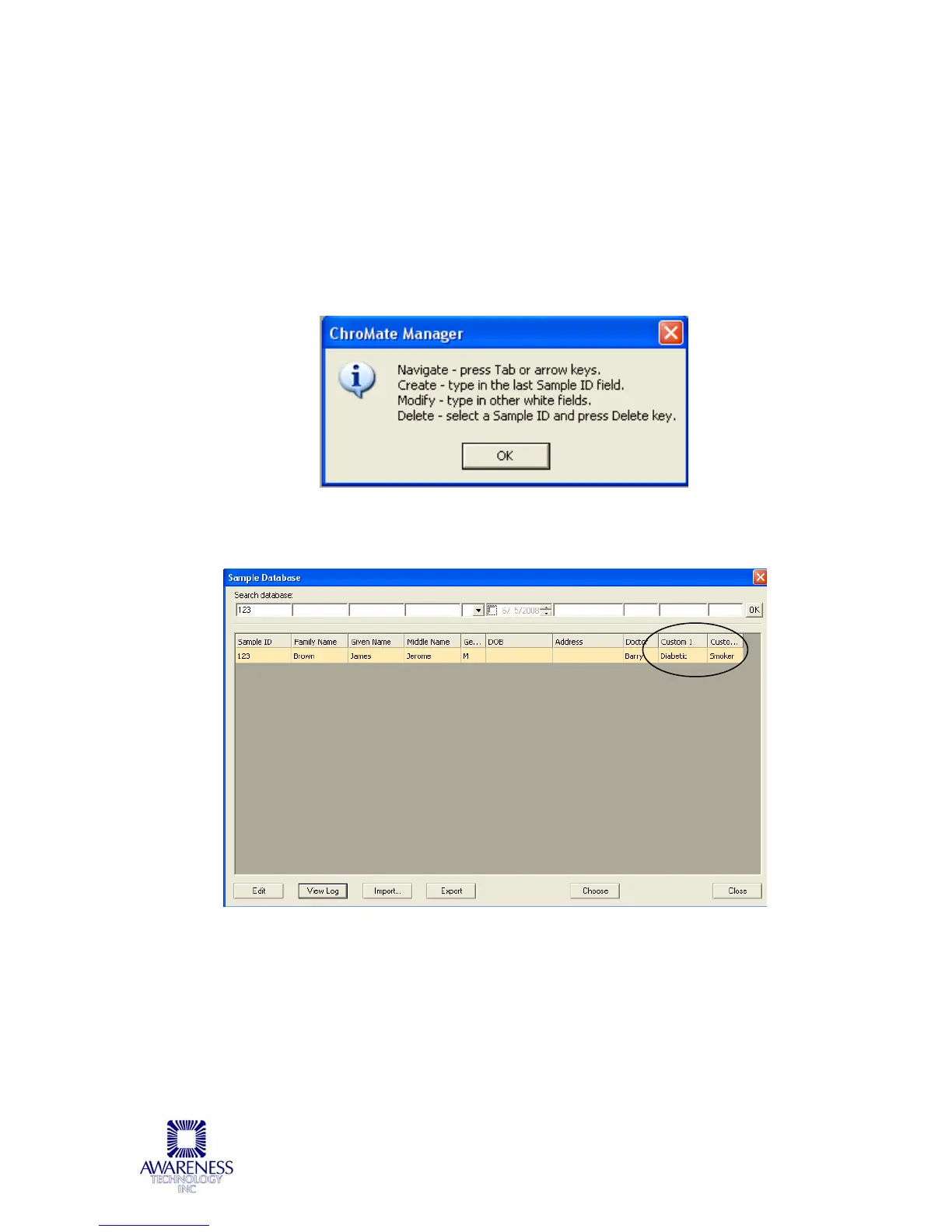
An instructional dialog box will open.
Navigate through the fields on the screen by using the Tab or arrow keys
on the keyboard.
Create a Sample ID by typing in the Sample ID field.
Modify a Sample ID record by clicking on the field to edit and typing.
Delete a Sample ID by highlighting the record to delete and press the
Delete key on the keyboard.
Additional criterion includes Custom1 or Custom2. Information that can be useful
in either Custom1 or Custom2 can include, but is not limited to, medical issuer,
study ID numbers, or chronic diagnosis.



 To Next Page