62 ChroMate™ Operator’s Manual Doc. 4300 Rev. E
5.3.2 Assay Calibration Tab
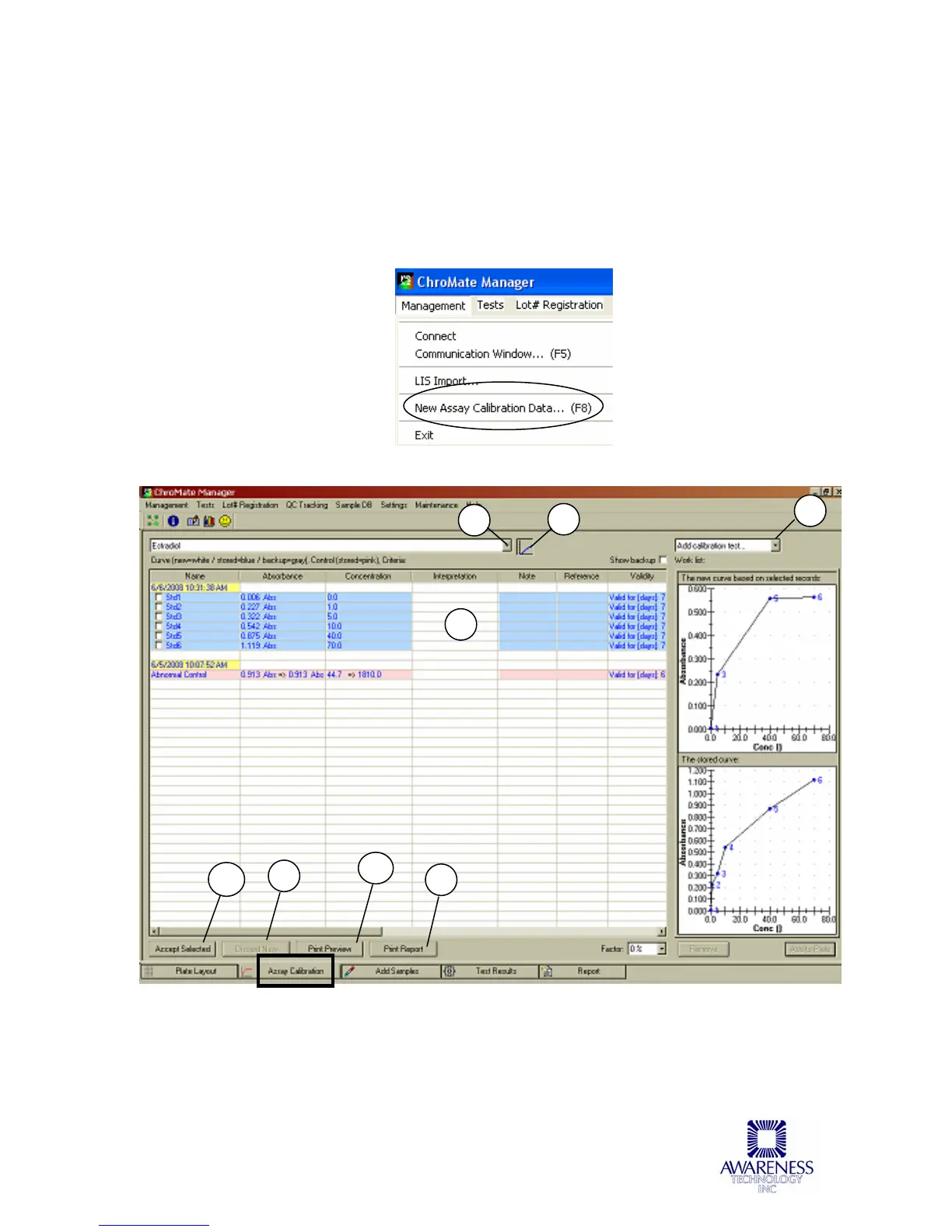
When ChroMate is finished reading, the New Assay Calibration Data can be viewed
by selecting this option from the Management drop down menu or by pressing the F8
key on your keyboard at any time. This window shows whether the new curves and
controls were accepted. If the curve is not accepted, this procedure must be
repeated.
Assay Calibration Tab features are described in the table below.
Figure 5.3.2-1 Assay Calibration Tab
1
2
3
9
5
4
6
7



 To Next Page