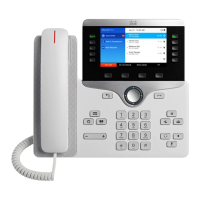
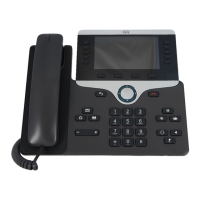
Procedure
Step 1
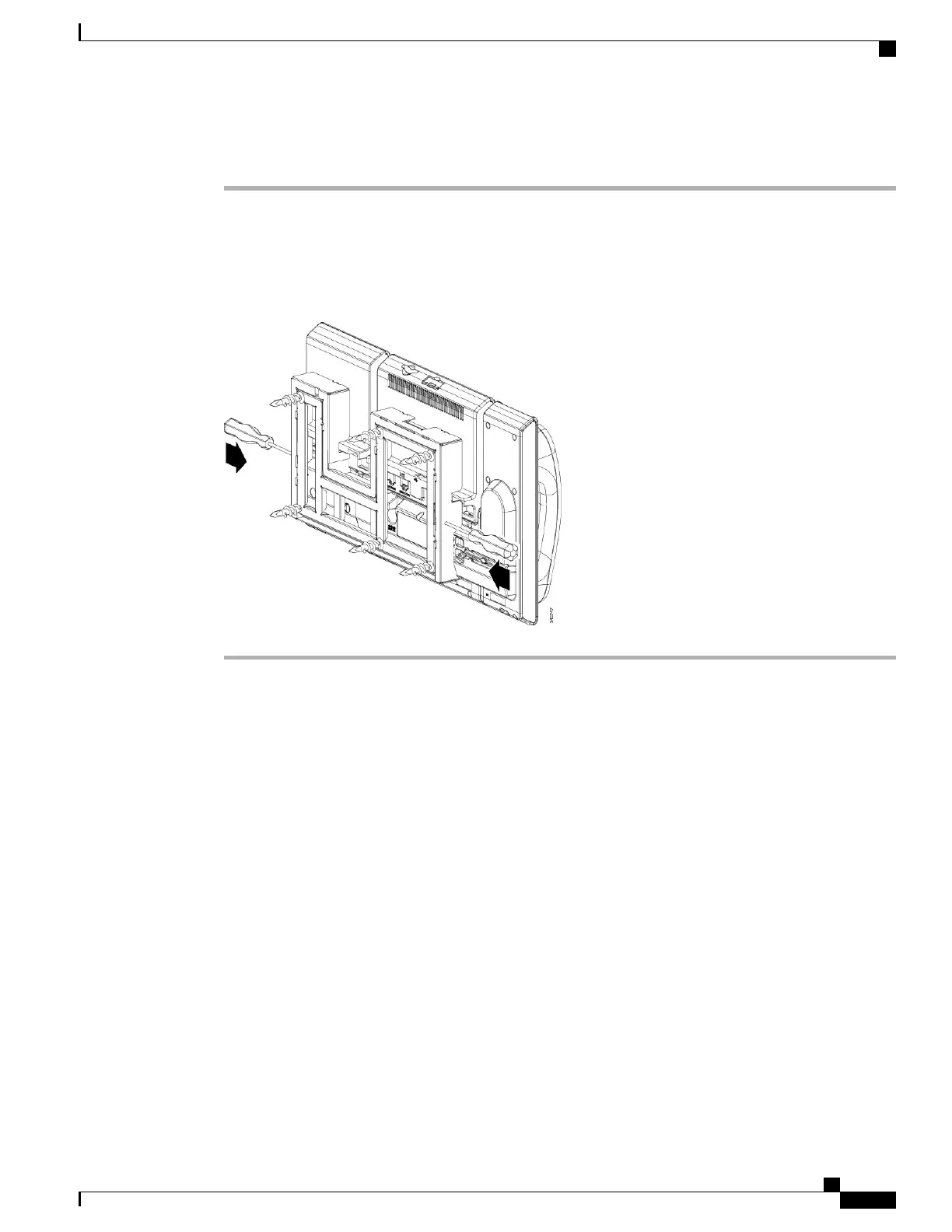
Push the screw drivers into the left and right holes in the phone mounting plate until you feel resistance.
Step 2
Press firmly inwards (towards the phone) to disengage the tabs, lift up on the phone to release the phone from
the wall bracket, and then pull the phone towards you.
Figure 33: Disengage Tabs
Cisco Unified IP Phone 8961, 9951, and 9971 Administration Guide for Cisco Unified Communications Manager 10.0
(SIP)
343
Cisco Unified IP Phone Non-Lockable Wall Mount
Remove Phone and Key Expansion Module from Non-Lockable Wall Mount
REVIEW DRAFT - CISCO CONFIDENTIAL


 To Next Page