11-37
Cisco ASR 1000 Series Aggregation Services Routers Hardware Installation Guide
OL-13208-11
Chapter 11 Cisco ASR 1013 Router Overview and Installation
Attaching Cable Retention Bracket on AC Power Supply
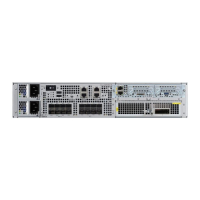
Figure 11-19 shows the cable retention bracket attaching to the AC power supply.
Figure 11-19 Cable Retention Bracket Attaching to the AC Power Supply
Step 1 Remove the two M3X5mm screws and discard.
Step 2 Install AC cord retainer by inserting tabs into lance features on panel.
Step 3 Secure AC cord retainer with two M3X8mm screws included in kit.
Step 4 Connect AC power cord.
Step 5 Secure AC cord by tightening retainer screw.


 To Next Page
 Loading...