Managing the System
Disk Management
Cisco Small Business NSS300 Series Smart Storage Administration Guide 111
3
To check a volume:
STEP 1 Choose Disk Management > Volume Management from the Navigation menu.
The Volume Management window opens.
STEP 2 Click Check Now on the volume that you want to check.
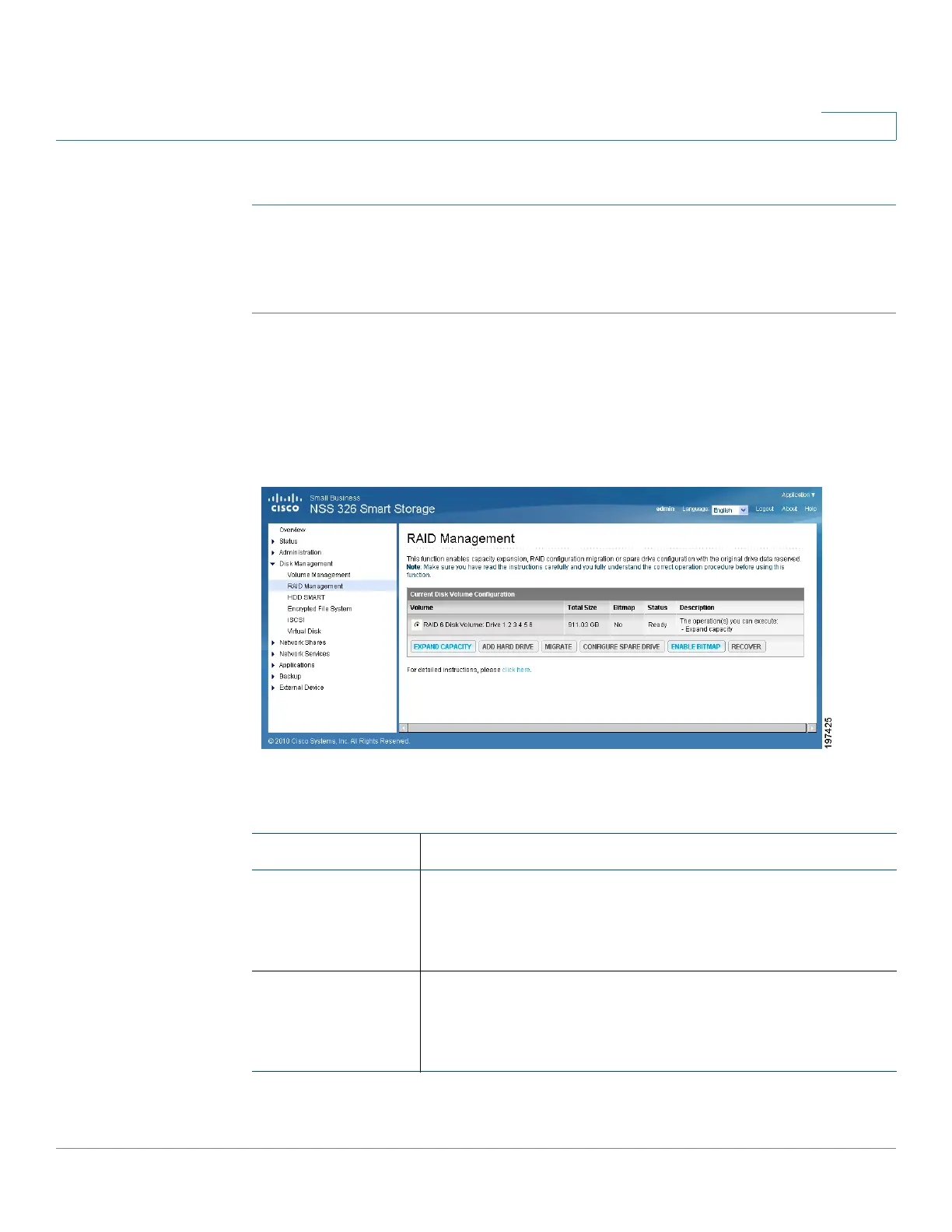
RAID Management
The RAID Management function enables capacity expansion, RAID configuration
migration, or spare drive configuration while preserving the original drive data.
The following actions are available in the Disk Management > RAID Management
window:
Action Description
Expand capacity This action enables drive capacity expansion by replacing
the drives in an array one by one. Expand capacity is
supported for the following drive configurations: RAID 1
expansion, RAID 5 expansion, RAID 6 expansion.
Add hard drive This action enables adding new drive member to a drive
configuration. Add hard drive is supported by the
following drive configurations: RAID 5 and RAID 6
expansion.



 To Next Page