Managing the System
Administration
Cisco Small Business NSS300 Series Smart Storage Administration Guide 83
3
Backup/Restore Settings
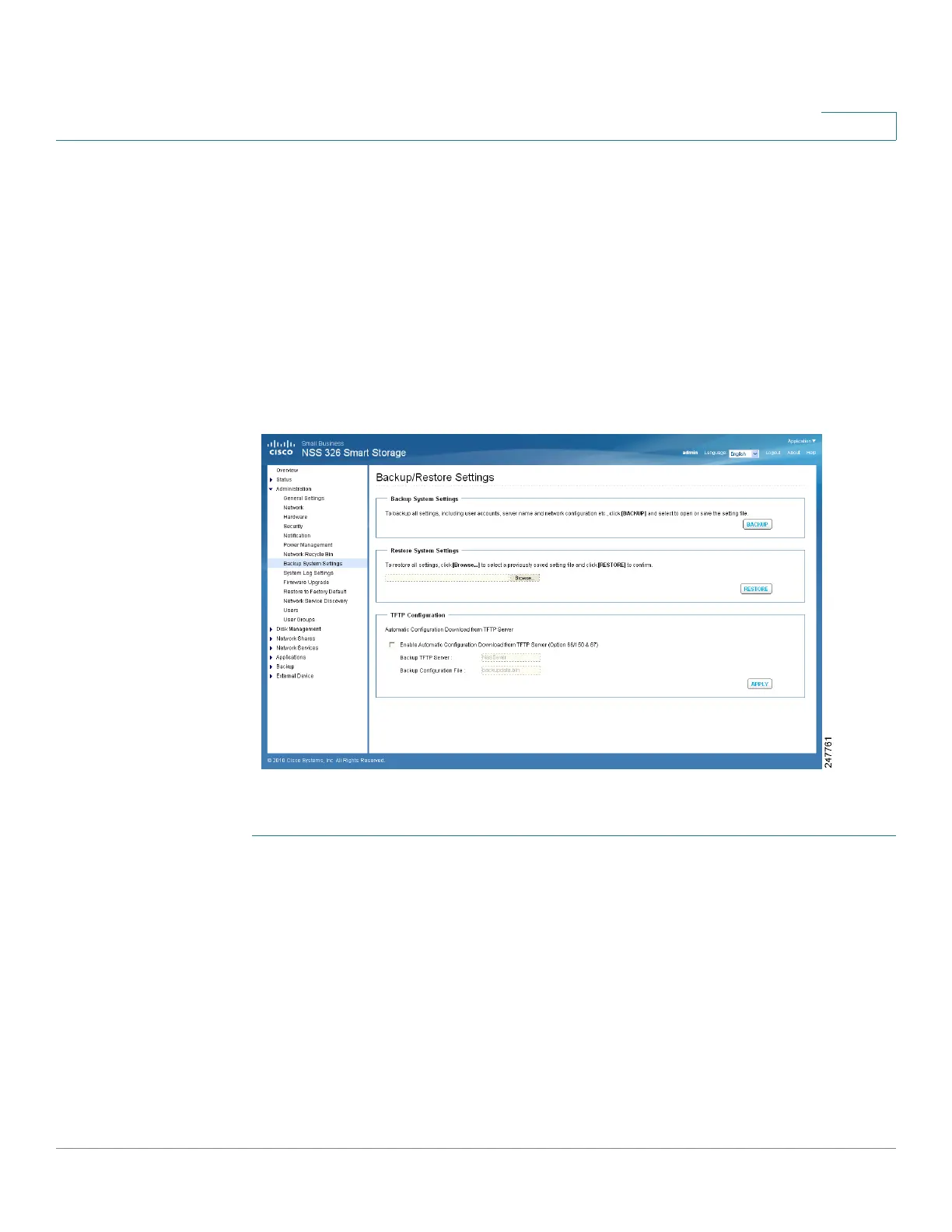
From the Administration > Backup/Restore Settings window, you can backup and
restore system settings.
NOTE It is good practice to periodically back up the system settings, especially if
changes are made to the NAS configuration and saved to your computer. Since the
NAS backup config files are always named the same (backupdata.bin), you can
save the backup config files either in uniquely-named folders (for example,
backup041310) or rename the config file (for example, default name is
backupdata.bin; rename to backup041310.bin).
To configure the system backup and restore settings:
STEP 1 Choose Administration > Backup/Restore Settings from the Navigation menu.
The Backup/Restore Settings window opens.
STEP 2 Enter the parameters:
Backup System Settings
• Backup—Click to backup all of the system settings, including the NAS user
accounts, server name, system application settings, network services
settings, and network configuration.
Restore System Settings
• Restore—Click Restore to restore all of the settings.



 To Next Page