Managing the System
Administration
Cisco Small Business NSS300 Series Smart Storage Administration Guide 57
3
To define the language filename encoding:
STEP 1 Choose Administration > General Settings > Language from the Navigation
menu. The General Settings window opens.
STEP 2 From the Filename Encoding drop-down list, select the language you want to use
for filename encoding.
NOTE If you are using an OS that does not support Unicode, such as
Windows 95/98/ME, please select the same language as your OS for
filename encoding.
STEP 3 Click Apply. The language filename encoding is set and the NAS is updated.
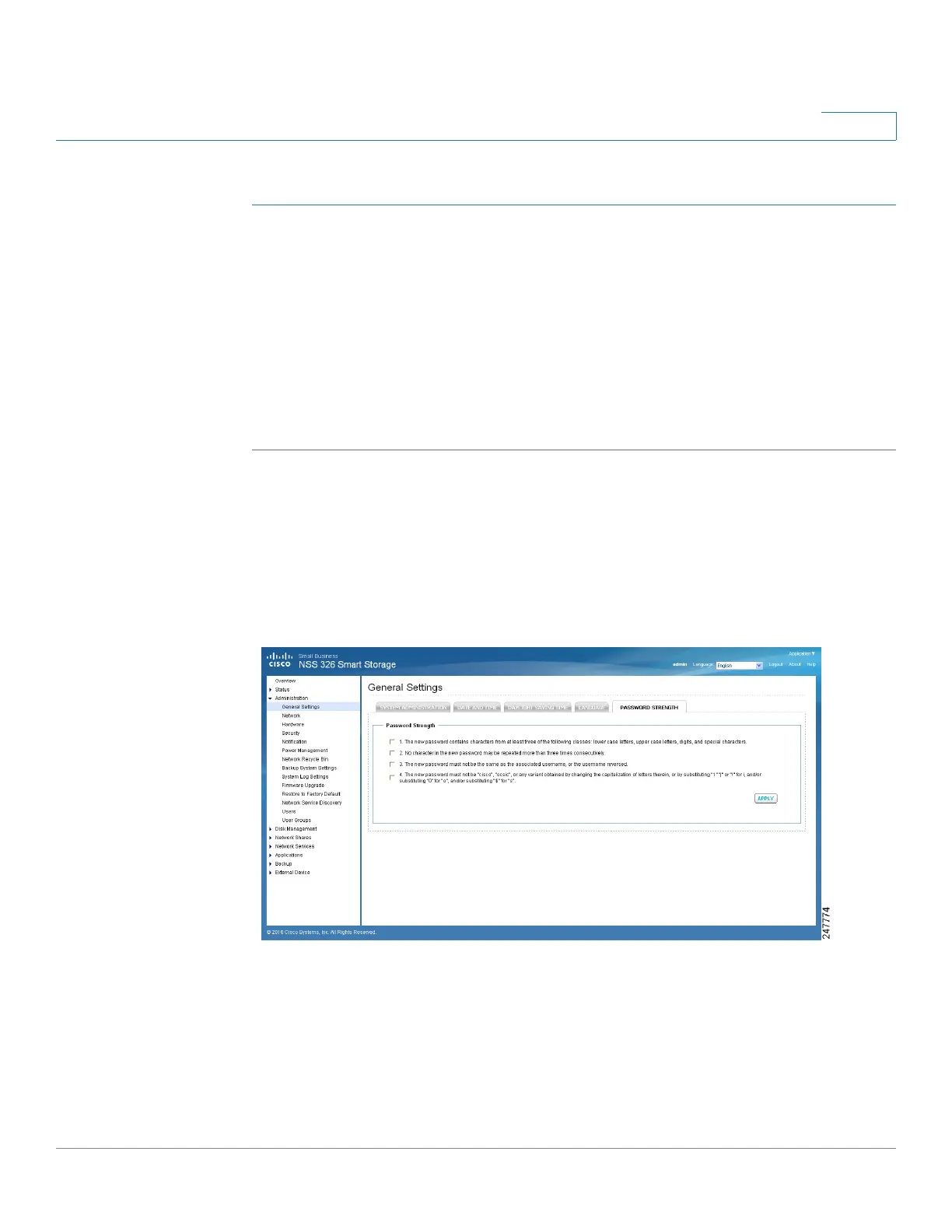
Password Strength
From the Administration > General Settings > Password Strength window, you
can apply the password rules. You can enable one or more of the Password
Strength options to enforce password strength. After the setting has been applied,
the system will automatically check the validity of password set by users.



 To Next Page