Managing the System
Administration
Cisco Small Business NSS300 Series Smart Storage Administration Guide 78
3
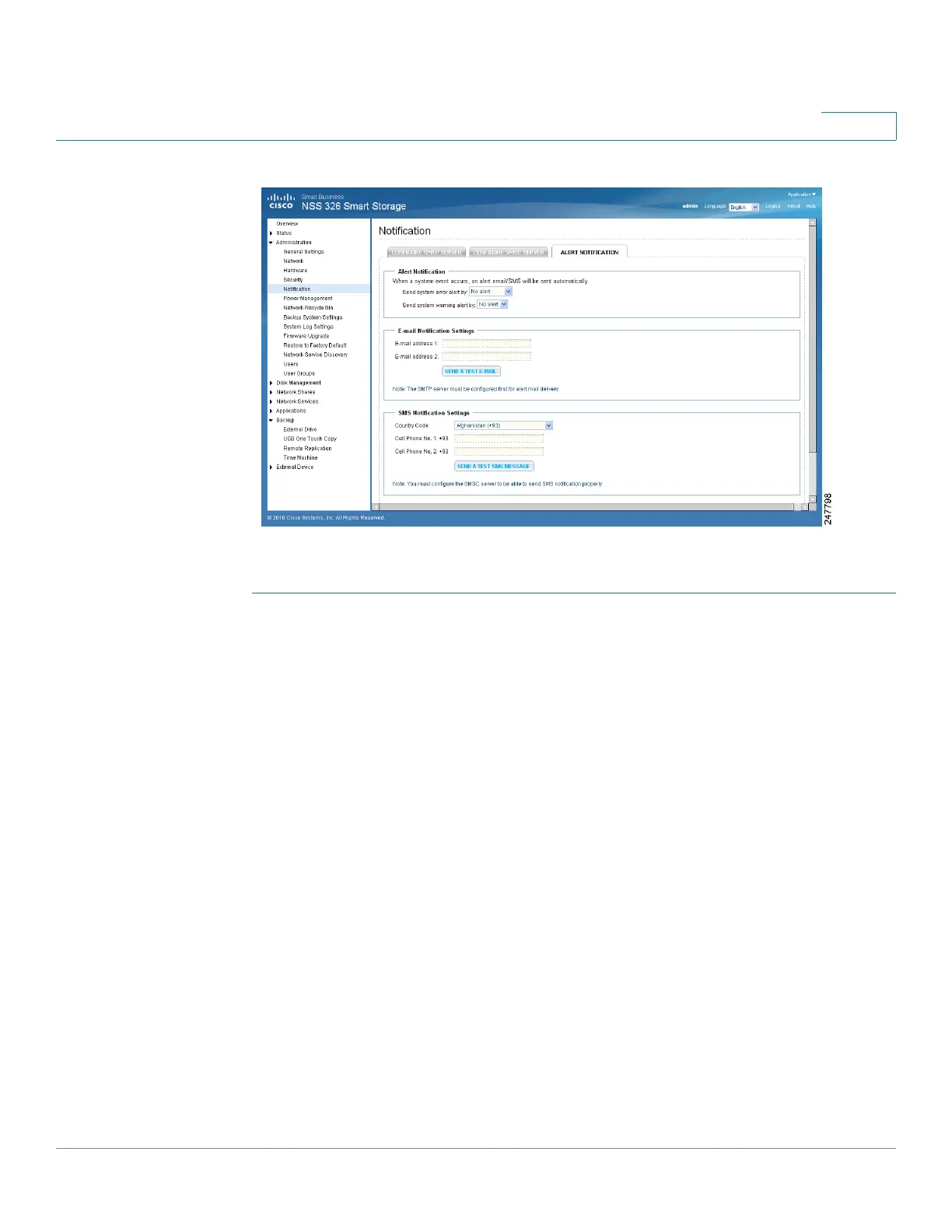
To configure the alert notification:
STEP 1 Choose Administration > Notification > Alert Notification from the Navigation
menu. The Alert Notification window opens.
STEP 2 Enter the parameters:
Alert Notification
• Send system error alert by—From the drop-down list, select how you want
the system error alert sent. The options are:
- No alert—Select if you do not want system error alerts sent.
- Email—Select to receive system error alerts via email.
- SMS—Select to receive system error alerts via SMS.
- Email & SMS—Select to receive system error alerts via email and SMS.
• Send system warning alert by—From the drop-down list, select how you
want the system warning alert sent. The options are:
- No alert—Select if you do not want system warning alerts sent.
- Email—Select to receive system warning alerts via email.



 To Next Page