Chapter 3: Calls, faxes and SMS
SMS service 97
3333
+ <Mobile number>
The first part of the mobile number is always 870, which is the “country
code” for the BGAN system. If the mobile numbers are listed in the web
interface, you can look them up as follows:
Select PHONE BOOK > Mobile numbers. If the mobile numbers are not
listed in the web interface, refer to your service provider.
To receive a message
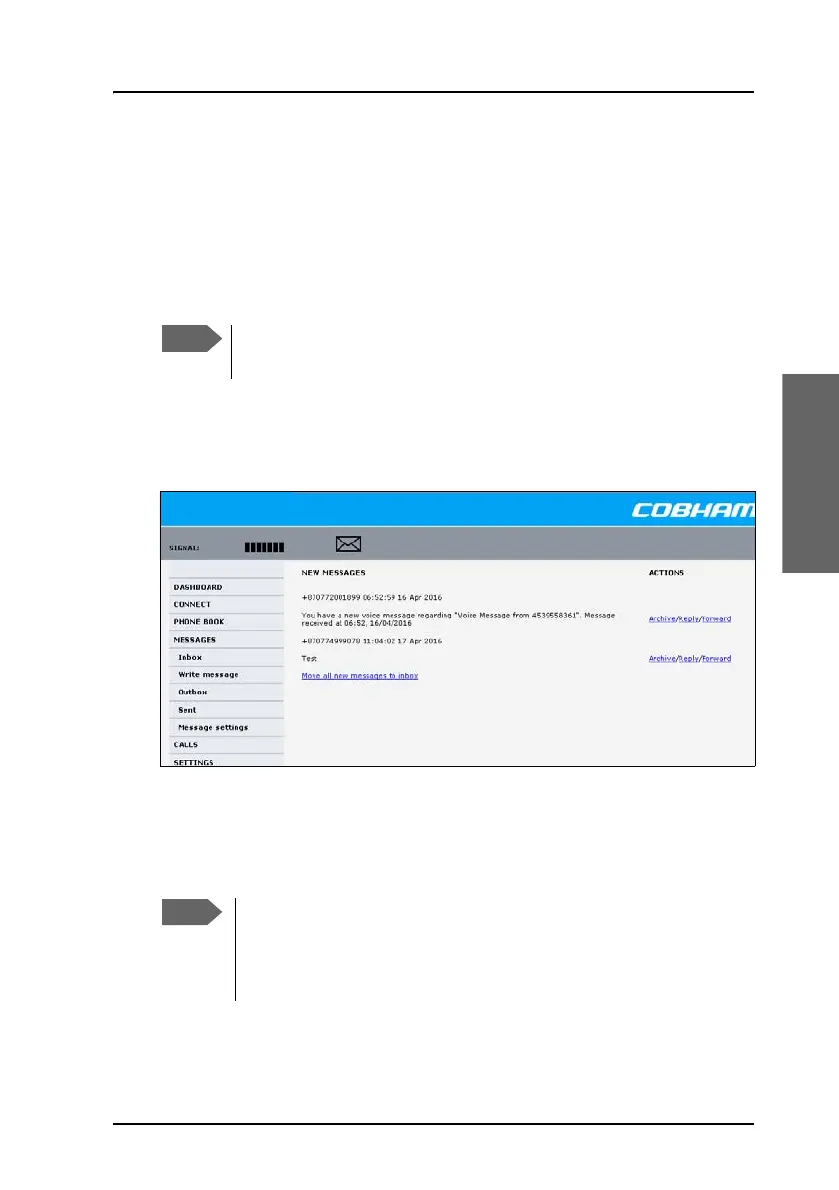
If a message has arrived, the icon bar at the top of the web interface shows
an unopened envelope. Click the envelope to see the new message(s).
Otherwise, to see new messages click MESSAGES from the left navigation
pane. The page shows new incoming messages.
The message icon disappears when all the messages on this page have been
archived or deleted.
There are two Voice numbers, one for 3.1 kHz Audio and one for
Standard Voice.
The system does not accept more than 100 incoming messages
(including read and unread messages). If you have received 100
messages, you have to delete some of them in order to free space
for new messages. Otherwise, the new messages are rejected.



 To Next Page