Chapter 5: System operation
164 Use the SBU web interface
Use the SBU web interface
In the following sections you can read about:
• Introduction to the SBU web interface
• Use the SBU phone book
• Use the Call log
• Start or stop any data session
• Call log handling
• Set data limits
• Set up the local exchange function
• Remote management and activation
• Remote activation of the SBU with SMS
• Restricted dialing
Introduction to the SBU web interface
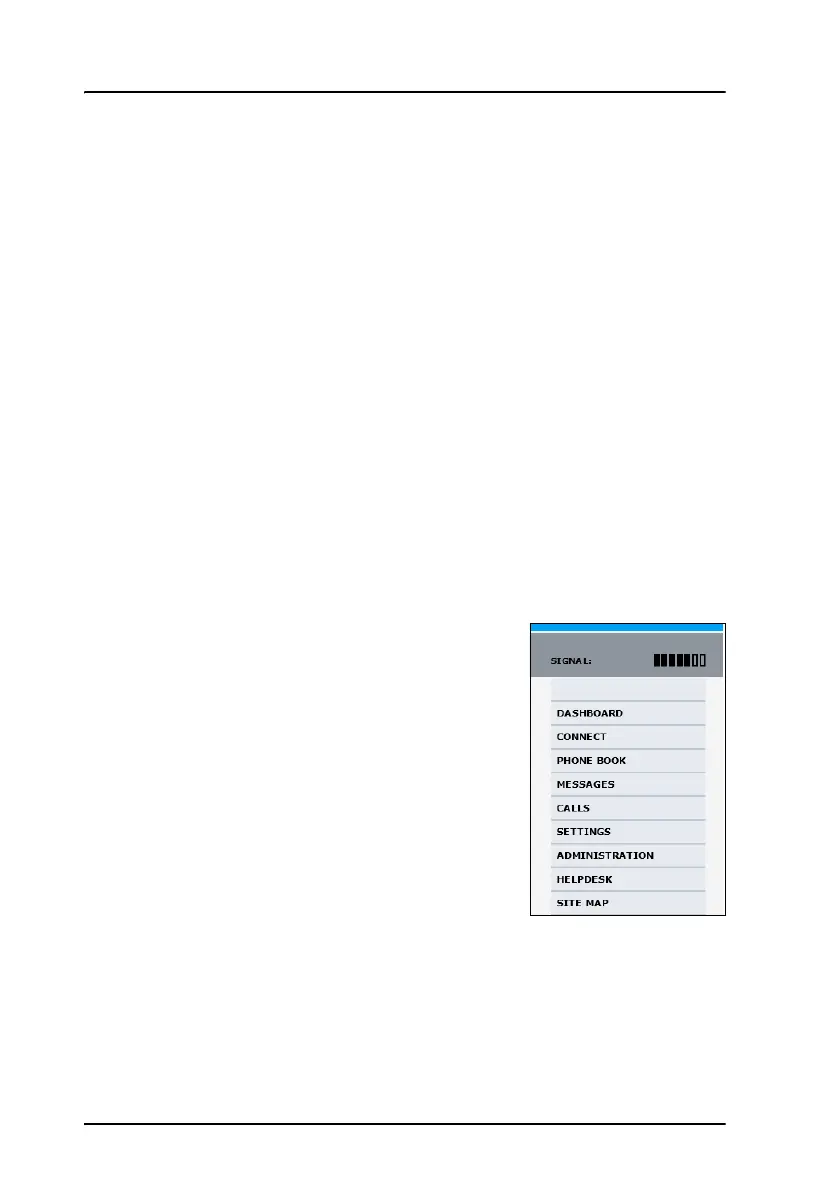
The web interface is built into the system and
used for operating, setting up and configuring
the system.
You can access the web interface from a
computer with a standard Internet browser. The
parts of the web interface that are used in daily
use of the system are described in detail in the
following paragraphs. The parts of the web
interface that are used during system installation
are described in detail in the AVIATOR 700
Installation and Maintenance Manual.
Connect to the web interface
To access the web interface, an Internet browser must be installed on the
computer. Connect your computer to the AVIATOR 700 system, using one
of the LAN interfaces (up to 6) installed in the aircraft cabin or use the
Wireless connection, if available.


 To Next Page