Chapter 5: System operation
MCDU operation 153
5555
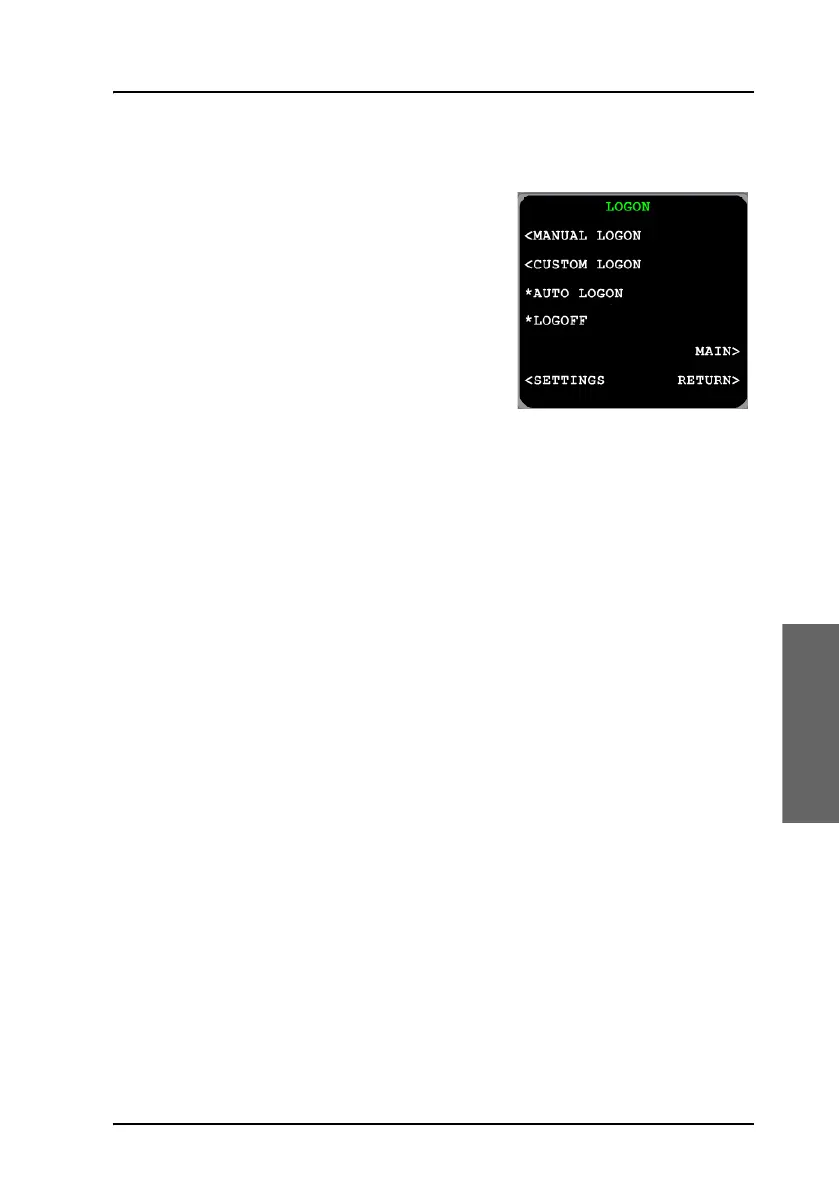
LOGON menu
The logon policy of the system can be
configured for either automatic or manual
logon. In automatic mode, the AVIATOR
700 system automatically logs on to a
satellite. For manual logon, the crew can
explicitly select the satellite and GES for
log on and hand over, and initiate hand
overs at any time. Typically, the logon
policy is set to automatic mode.
The LOGON view contains the following
menu items:
• MANUAL LOGON allows to select a specific GES for logon from a
predefined list of all known GESs. This is visible only in manual mode.
• CUSTOM LOGON allows to select any satellite and GES identifiers for
logon. This is visible only in manual mode.
• SETTINGS allows to change the logon policy and modify the list of
preferred GESs and LESs.
The LOGON view contains the following functions:
• AUTO LOGON: Select this function to initiate the logon procedure
toward the most appropriate satellite and GESs while taking the list of
preferred GESs into account.
• LOGOFF logs off the system. Both in manual and automatic mode, the
user must take action to logon the system again.



 To Next Page