Chapter 2: Get started
Logon procedure 25
2222
Logon procedure
You can logon to satcom services using one of the following procedures:
• Logon procedure with the Full Feature handset
• Logon procedure with the MCDU
Logon procedure with the Full Feature handset
After power up the display and all LEDs on the Full
Feature handset will light up for a few seconds, the
SDU boots and makes a self test. The system is
typically configured to log on automatically to the satellite services, no
further action is required. When the display shows Ready all services are
logged on and you can start using the system.
In most cases the system logs to an I4 satellite. If
there is no I4 coverage, the system logs on to an I3
satellite. Then the SwiftBroadband services are not
available. The display will show: H
+
(Classic Aero) and Swift64 are logged on
(ok) and SBB (SwiftBroadband) is not available (0/1). Then you can make
calls using the Full Feature handset and the SDU using the service H
+
(Classic Aero) and you can use SW64 data.
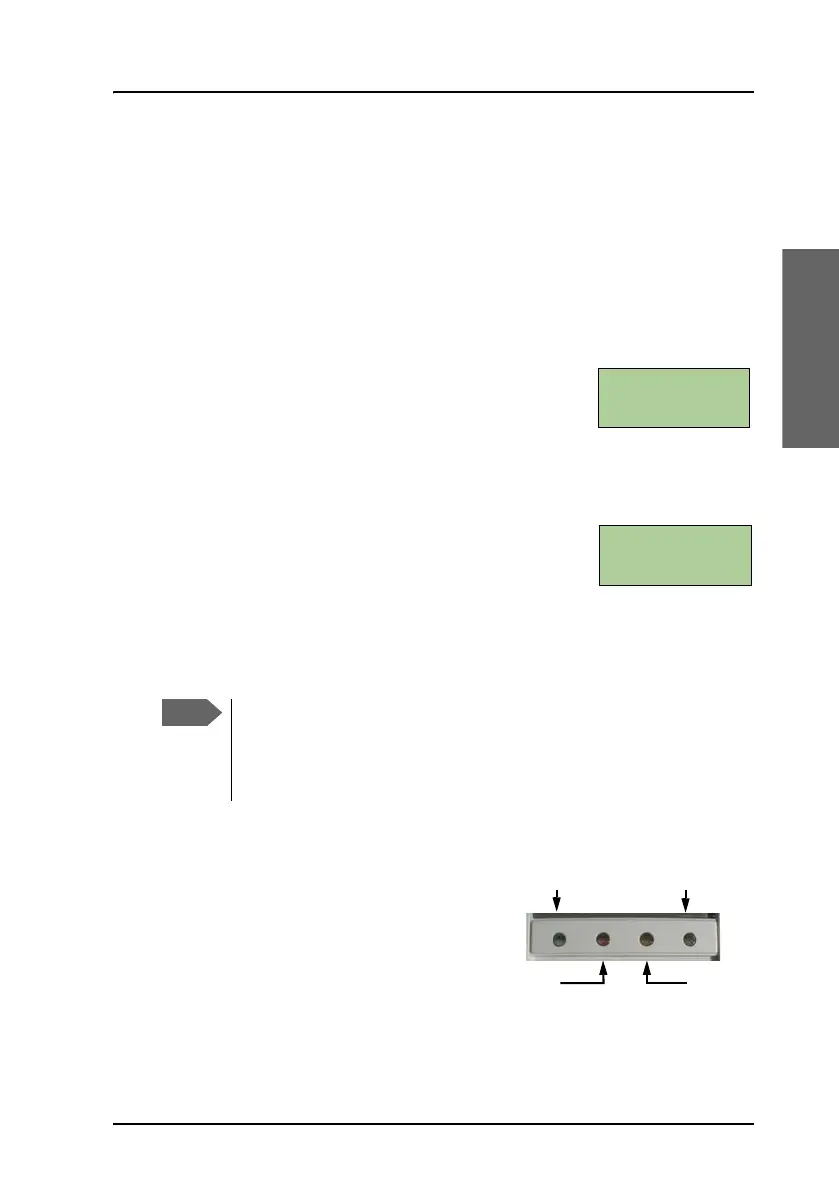
LEDs on Full Feature handset
The Classic Aero LED and the Swift64
LED indicate that these services are
logged on. This handset has no LED to
indicate that the SwiftBroadband
service is logged on. The
SwiftBroadband service is logged on
when the display shows Ready and the Swift64 LED is not lit.
If the system does not log on automatically, the system may be
set to manual logon. In this case you have to log on using the
Logon menu. For further information, see To log on manually on
page 125.
Classic Aero (H
+
)
Swift64 (HSD)
Alarm
Ringing



 To Next Page