Chapter 5: System operation
Full Feature handset operation (SDU) 135
5555
Explanation of the annunciators
• Annunciator #1 (Call Annunciator): This Annunciator is used for
signalling incoming voice calls. The Annunciator is “flashing” like the
Connection LED on a Full Feature handset and is turned off when the
call is answered or terminated by initiator.
• Annunciator #2 (Fax Annunciator): This Annunciator is used for
signalling incoming faxes. The Annunciator is “steady ON” until a receipt
for the fax has been given in the handset.
• Annunciator #3 (Service Annunciator): This Annunciator is used for
indicating service availability. The Annunciator is “steady ON” when H
+
service is available.
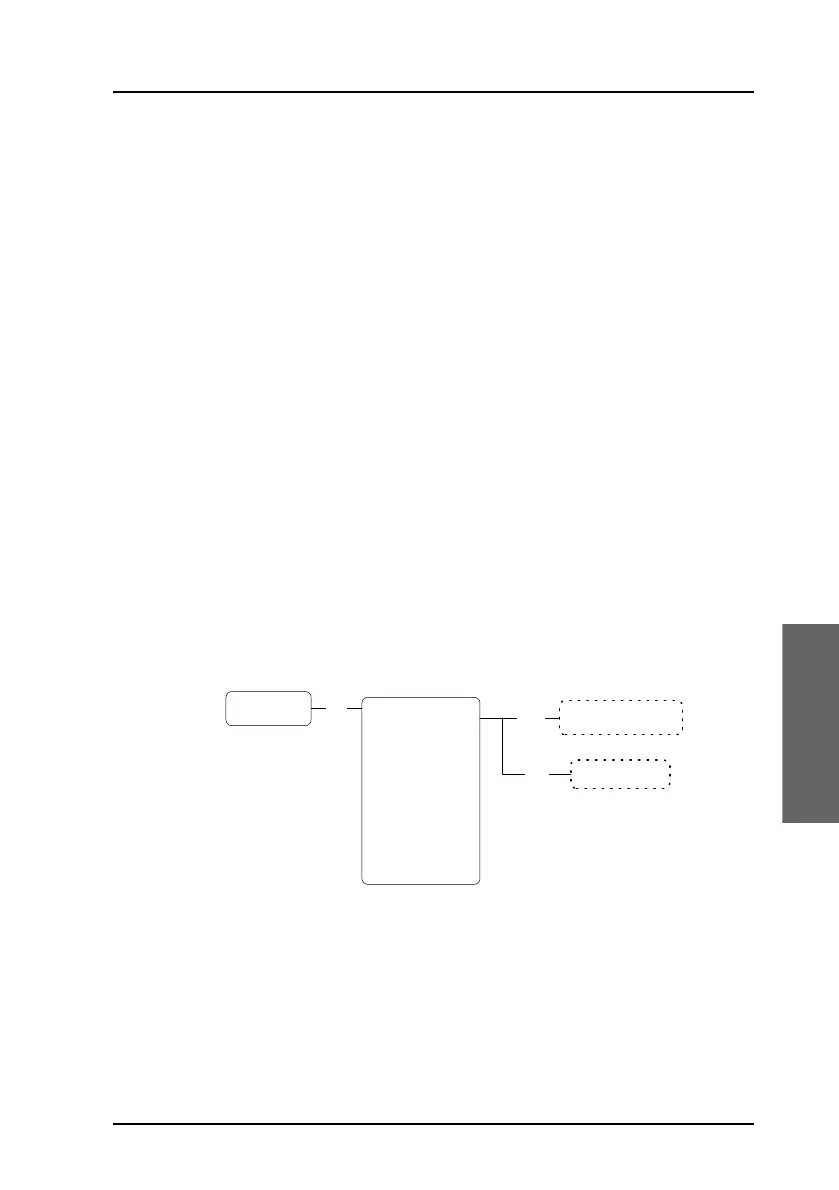
System Setup, Quick Dial
Overview
The QuickDial submenu is a list of 1-digit numbers for quick dialling of
up to 9 favorite phone numbers.
To access the QuickDial submenu, enter the System Setup
menu, scroll down to QuickDial and press
C.
To delete a Quick Dial entry
Do as follows:
1. Scroll to the quick dial number you want to delete.
2. Press
GF.
Scroll between All
Phone book entries
Delete entry
Del
QuickDial
1 <empty>
2 <empty>
3 <empty>
4 <empty>
5 <empty>
6 <empty>
7 <empty>
8 <empty>
9 <empty>
OK
Edit



 To Next Page