Chapter 5: System operation
180 Use the SBU web interface
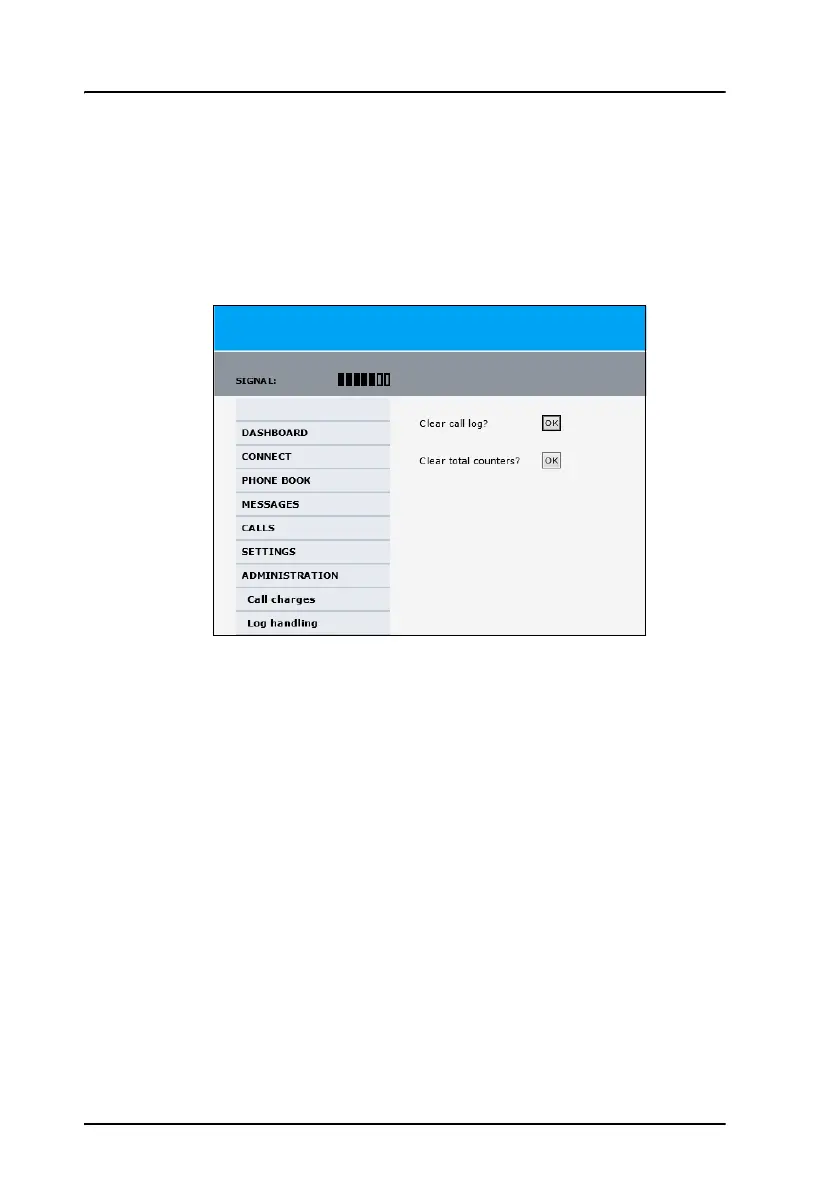
Call log handling
To clear the logs of the system and/or reset the counters for the time
connected, do as follows:
1. From the left navigation pane in the ADMINISTRATION page, select
Log Handling.
2. To clear the Call log, click OK next to Clear call log?.
3. To clear the total counters, click OK next to Clear total counters?.
This resets the Time connected counters on the Calls page.


 To Next Page