Chapter 3: Calls, faxes and SMS
62 Operate the handsets
Operate the handsets
For information how to operate the AVIATOR Wireless Handset see the
AVIATOR Wireless Handset and Cradle, User Manual (order number: 98-
129599). The following handsets are described in detail:
• Operate the Full Feature handset
• Operate the Auxiliary handset
• How to make a call with the Sigma
7
handset
• How to make a call with the 2.4GHz Cordless handset
• How to make a call from an ISDN phone
• Use a SIP-enabled IP handset (SBU)
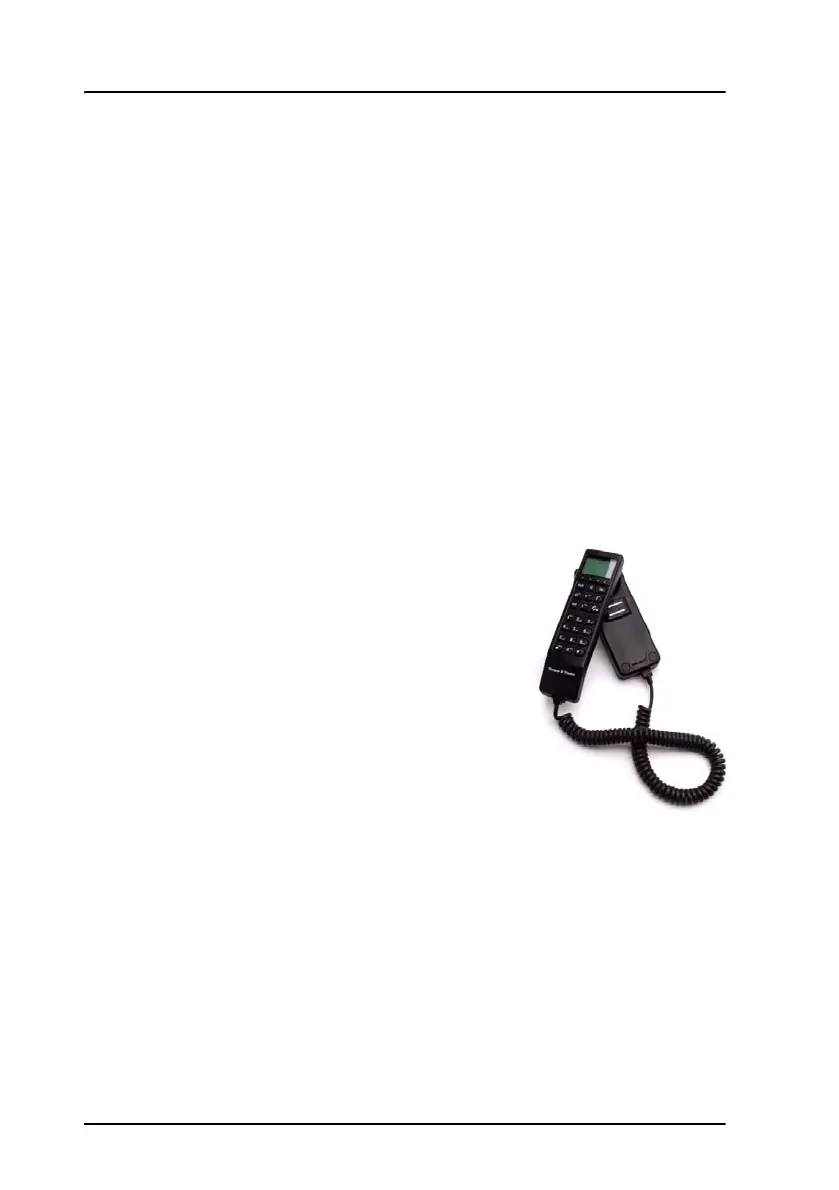
Operate the Full Feature handset
The Full Feature handset is the primary interface
for the AVIATOR 700 system. With the Full
Feature handset you can dial numbers, view
error and status messages, and configure the
transceiver. This handset can only be connected
to the SDU.
The Handset is divided into the following 4
inter-working sections.
• The Liquid Crystal Display (LCD) and Light
Emitting Diodes (LED) section. This section
gives you visual indications about the
operation and status of the system.
• The Function keys section. This section enables you to interact with the
software menu system of the transceiver.
• The Alpha-Numeric section. This section enables you to dial and to
enter data into the transceiver.
• The volume control. A control placed on the side of the handset for easy
adjustment of the volume.



 To Next Page