Chapter 3: Calls, faxes and SMS
Operate the handsets 63
3333
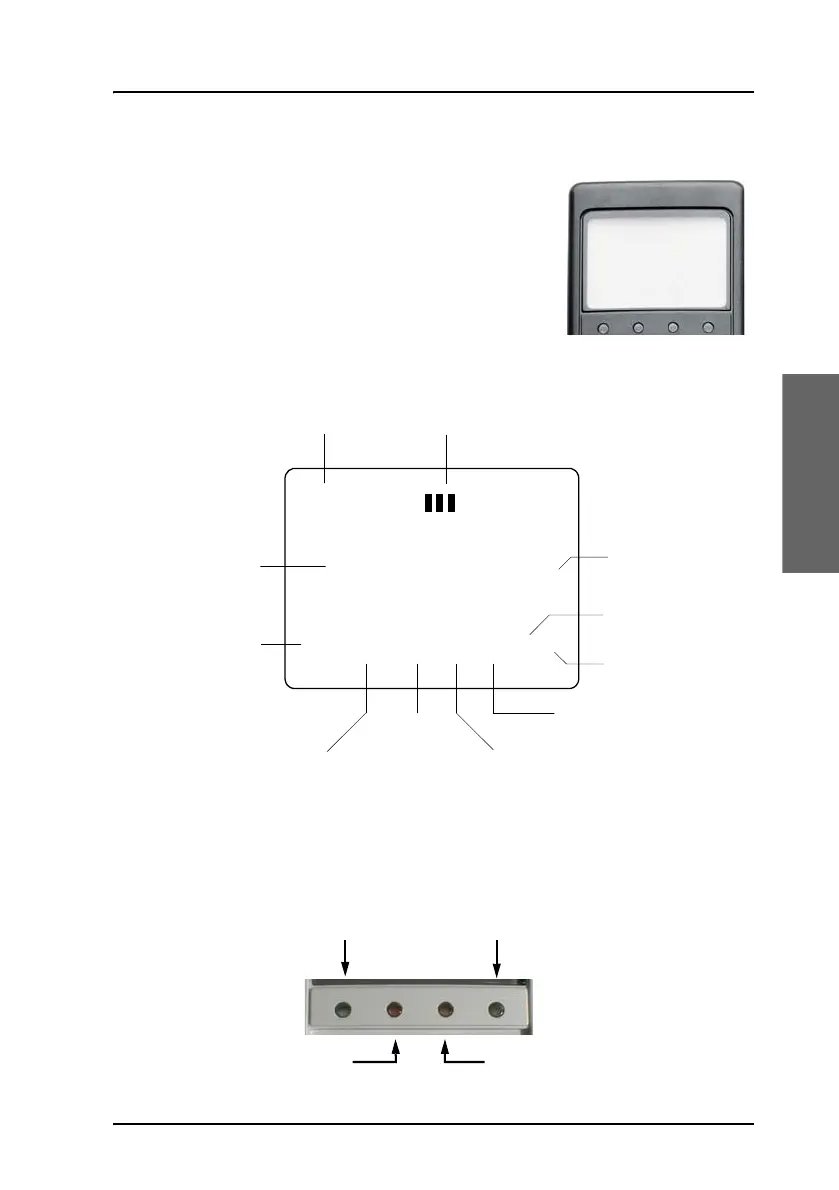
Display and LEDs
The following picture shows the top of the
handset with the display and LEDs. The LCD can
be adjusted for contrast and is backlit for viewing
in dim light or at night, see To adjust the LCD
contrast on page 119 and To change the light
settings on page 119.
The LCD display is graphically shown below:
The display contains a set of symbols which, together with the 4 LEDs
situated below the display, continuously indicate the current status.
There are four LEDs below the LCD display.
Ready
AMER AM #1
Scroll Up
Text Area
Scroll Down
Secondary
Functions
Enabled
Locked
Alphabetic
Entry
Enabled
More Options
Available
Handset
Off Hook
Speaker
Enabled
Calls on
Hold
Handset
Number
Classic Aero (H+)
Swift 64 (HSD)
Alarm
Ringing



 To Next Page