Chapter 5: System operation
Use the SBU web interface 173
5555
Use the SBU phone book
The phone book is stored in the Configuration module of the SBU in the
AVIATOR 700 system. In the phone book you can:
• Look up phone numbers.
• Look up short-dial numbers for easy dialing from a handset.
• Modify or delete existing names and phone numbers, or add new names
and phone numbers.
The numbers of the phones available on the aircraft and the mobile number
of the system might already be entered when the system was initially
configured.
To access the phone book
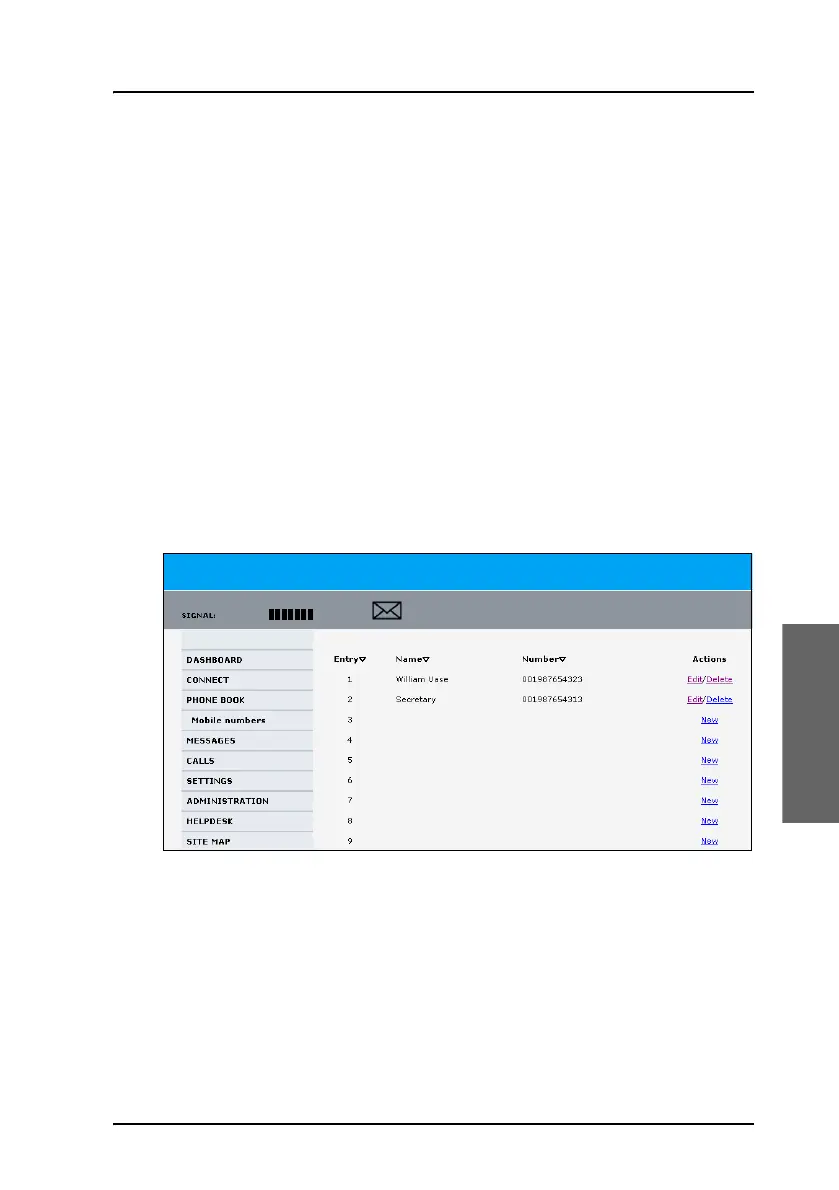
To access the phone book, select PHONE BOOK from the left navigation
pane.
The phone book shows all entries with entry number, name and phone
number. Empty placeholders are also included. The phone book holds 199
entries divided into subpages. To select the subpages you want, click the
relevant link at the bottom of the page.
To sort the phone book, click the title of the column you wish to sort by. For
example, to sort by the names in the phone book alphabetically, click on
Name in the top row of the phone book.



 To Next Page