Chapter 5: System operation
Full Feature handset operation (SDU) 115
5555
You will be prompted for a PIN code when entering a function that is
restricted by PIN codes. See more about setting PIN codes at System
Setup, Pin Setup on page 136.
Use the SDU phone book
The Phone Book can contain up to 99 entries, which can be used for
making phone calls. You can edit, delete or insert entries.
To access the Phone Book menu, you can:
• press
B or E from the main display, or
• press
C to enter the main menu, scroll to Phone Book and press
C.
Each entry holds the following information:
•Name
• Telephone number
The telephone number must include call prefix for automatic calls and
international access code. The telephone number can hold up to 22 digits.
The name can hold up to 24 characters.
The list of entries in the phone book is sorted alphabetically.
An entry in the phone book is displayed as a name if in alpha mode or as a
telephone number if in normal mode. Note that only the first 12 digits are
displayed.
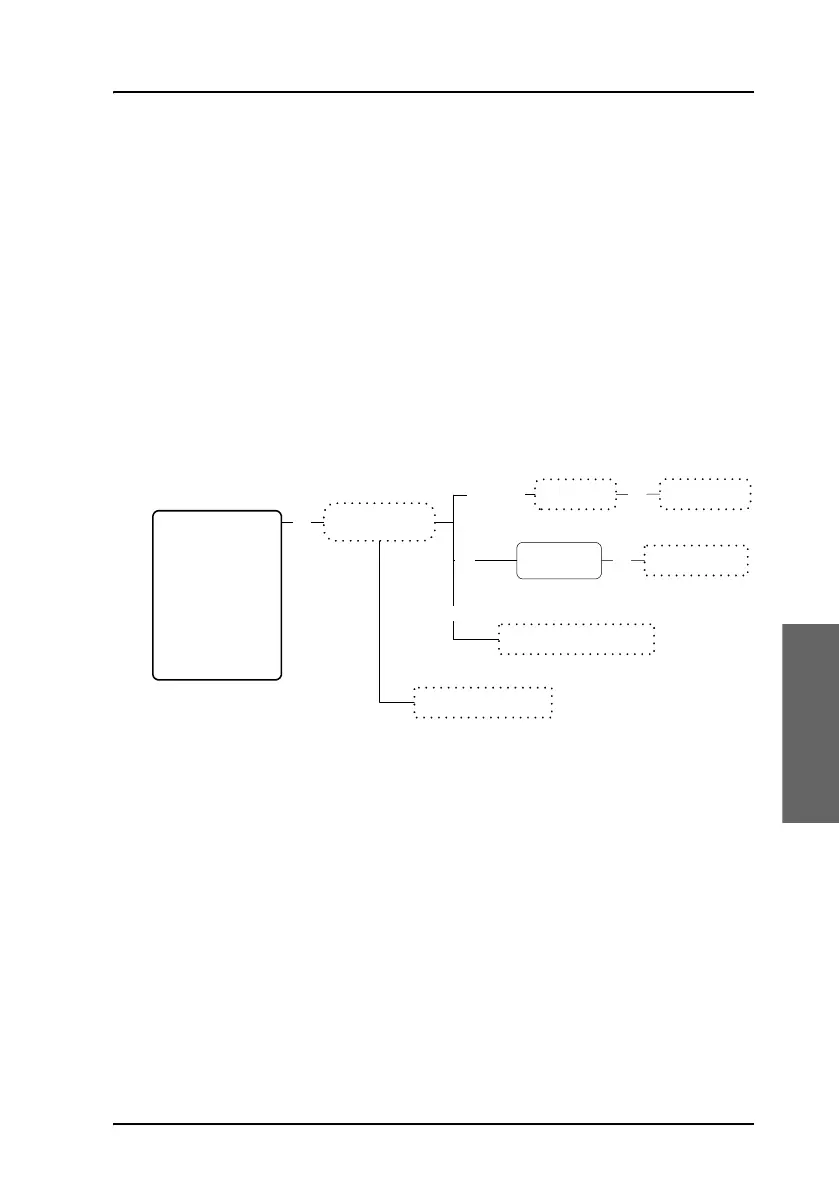
Enter name
Enter number
Call selected number
DeleteEntry?
<Entry >
Entry is deleted
Edit / Ins
Del
ABC
Toggle display between
name and number
Scroll between
phone numbers
OK
OK
O
K
O
K
Phone Book
HandsetSetup
Ring Profile
Lock System
Logon Menu
System Setup
Status
Maintenance



 To Next Page