Chapter 5: System operation
148 Full Feature handset operation (SDU)
To view active errors
Select Active errors to display information of any active errors.
If there is more than one error, use
B and E to scroll through the error
list.
To view the error log
Select Error Log to display a list of sessions. For each session is
indicated if there were errors (the display reads e.g. 2 items below the
session number) or if there were no errors (the display reads Empty).
Use
B and E to scroll through the list of sessions.
To see details for a session, press
C. Use B and E to scroll through
the details.
For each session, the display shows the start time, the Build ID and the end
time of the session. If there are errors, the display also lists the error text
and the error code for each error.
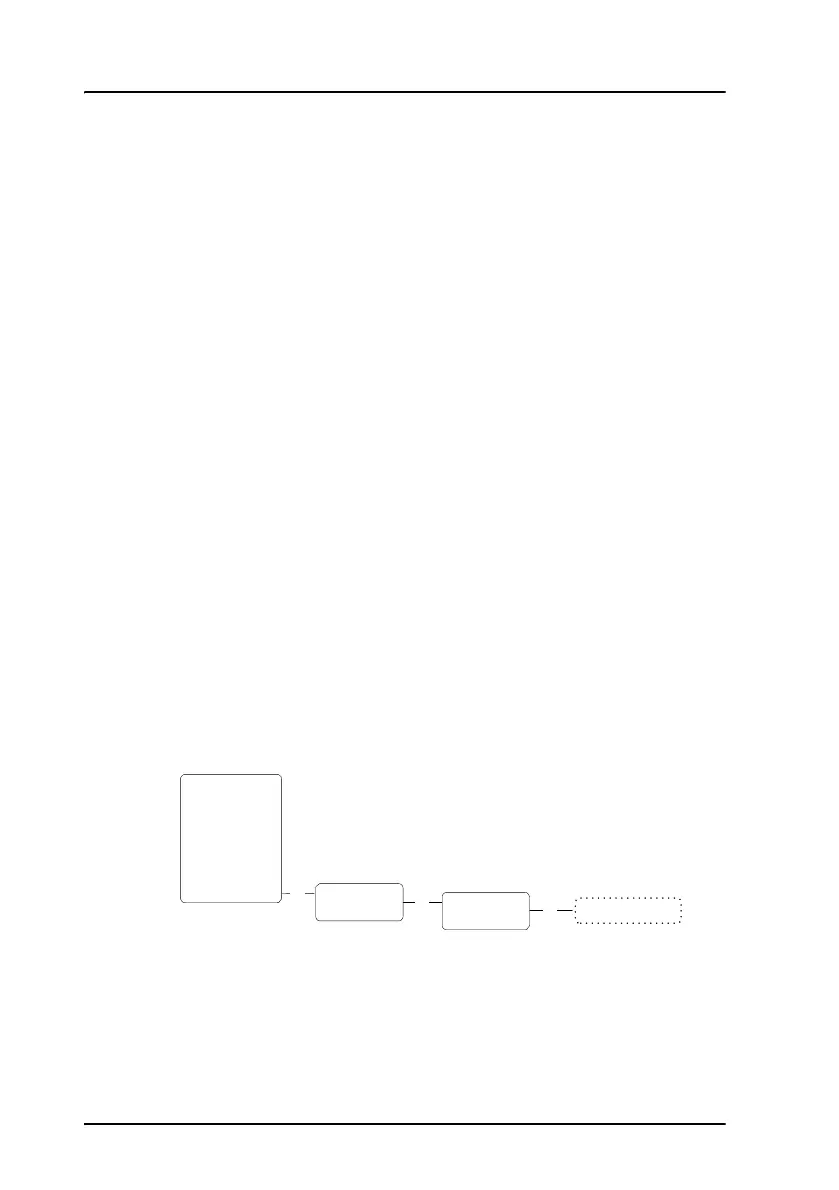
Maintenance (reset)
You can initiate a reset of the system.
Select Maintenance and press
C again.
Use
E to select Yes, then press C to reset the system.
O
K
Maintenance
Reset
OK
Phone Book
HandsetSetup
Ring Profile
Lock System
Logon Menu
System Setup
Status
Maintenance
The system reboots.OK
Reset now
Yes



 To Next Page