Chapter 5: System operation
124 Full Feature handset operation (SDU)
Logon Menu
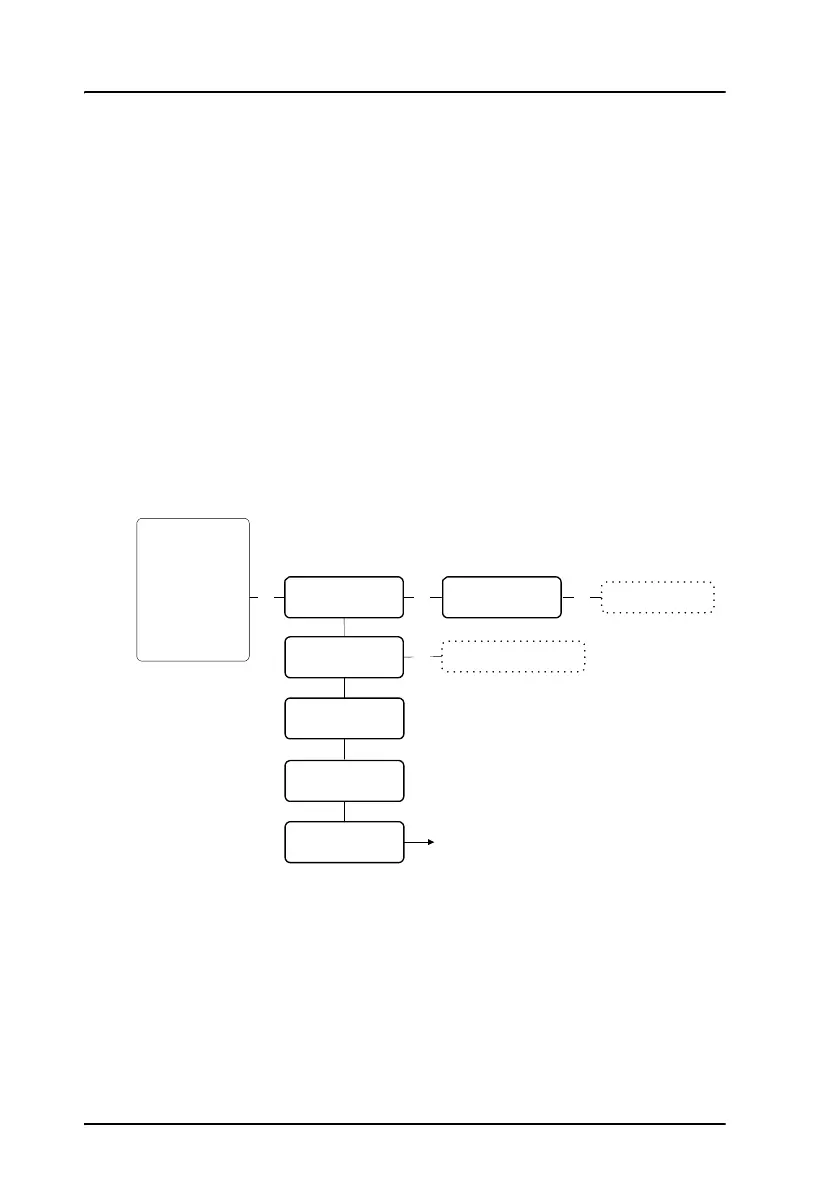
The Logon Menu is used to log on or off the system, or to change the
Logon settings.
The Logon Menu has the following sub menus:
•Manual Logon
•Custom Logon
•Auto Logon
•Logoff
• Settings (see Logon menu settings on page 126)
To access the Logon Menu, enter the main menu, scroll down to Logon
Menu and press
C.
OK
Custom Logon
Auto Logon
Logoff
Settings
Manual Logon
O
K
OK
Enter Sat-ID and GES-ID
See Settings submenu
Phone Book
HandsetSetup
Ring Profile
Lock System
Logon Menu
System Setup
Status
Maintenance
I4: H+ SBB
I3: H+ SW64
OK
Scroll through the
list of known GESs



 To Next Page