Chapter 3: Calls, faxes and SMS
Use the MCDU 87
3333
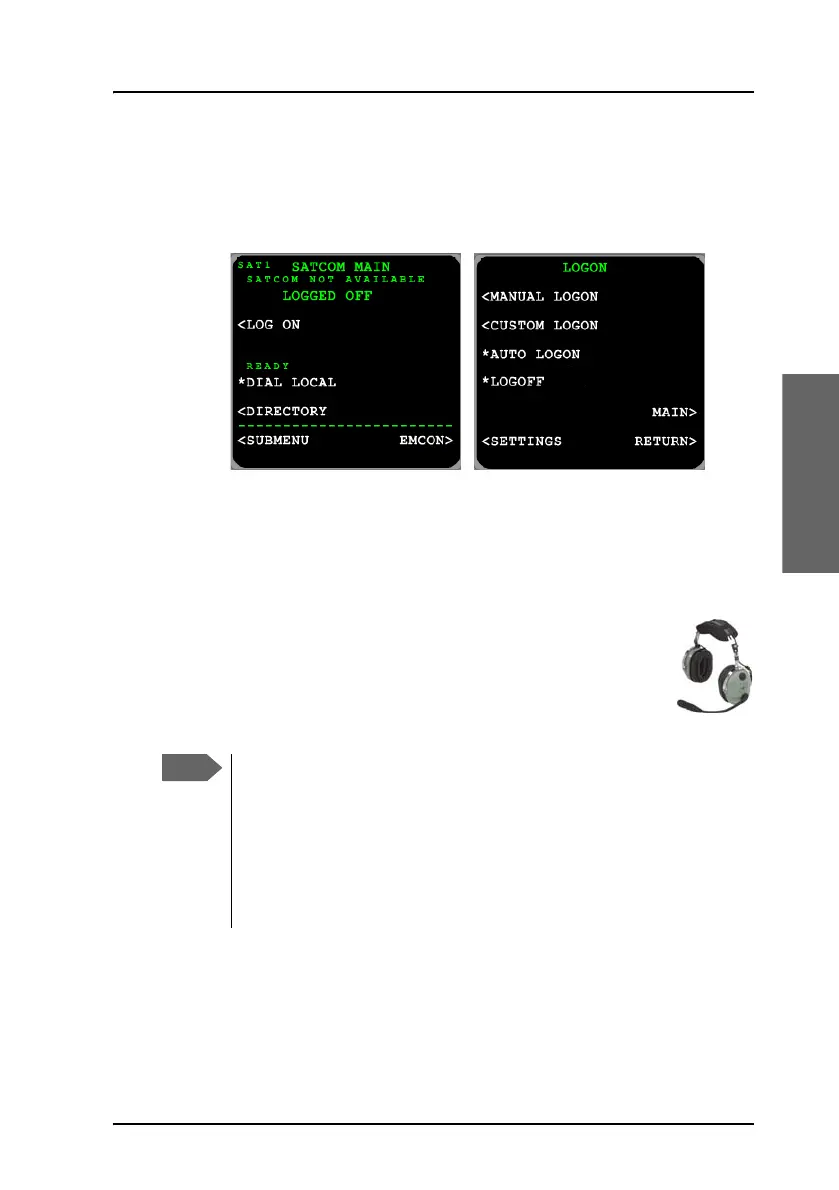
Manual logon
When the system has completed initialization, and if the logon policy is set
to manual, the system will stay logged off and wait for user input. In this
case, only a subset of the features in the main menu is available.
Select the LOG ON menu to proceed. For further information on this menu
see LOGON menu on page 153.
Make or receive a phone call (MCDU)
This section explains how to make a call from the MCDU. Call
routing from and to the cockpit can be configured as
described in To select the default outgoing call type (SDU)
on page 35 and To select the incoming call type (SDU) on
page 36.
There are two modes for activating or terminating a call: Latched
or Push-To-Talk (PTT). This is set-up in the Aero-SDU
Configuration Program.
In PTT mode you can activate a call by pushing the PTT button or
using the keypad of the MCDU as described below. If the system
is in Latched mode, you must use the switch to activate and
terminate the call.



 To Next Page