Chapter 2: Get started
26 Logon procedure
Logon procedure with the MCDU
After power up the system is typically configured to log on automatically to
the satellite services. No further action is required to start up the AVIATOR
700 system. You can follow the logon procedure by selecting the SATCOM
subsystem from the MCDU menu when the SATCOM subsystem becomes
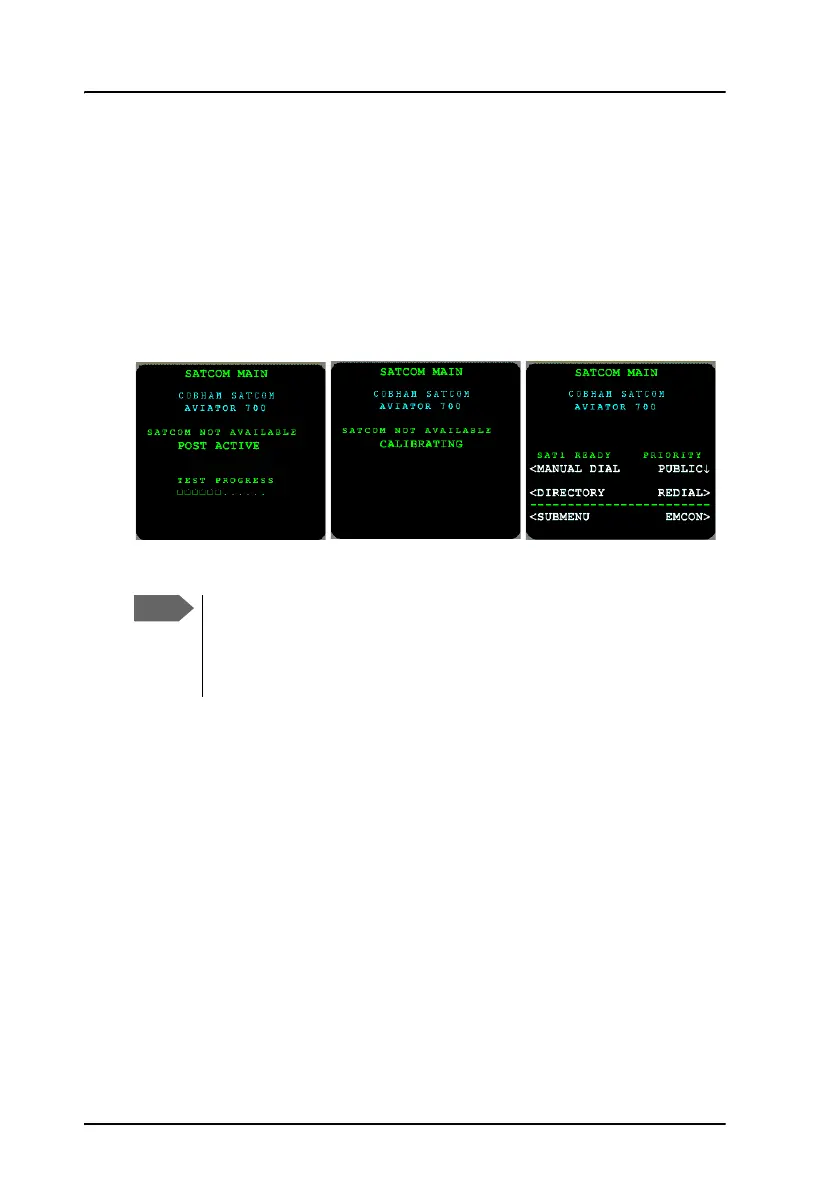
available. Below is an example of a display read-out while the SDU is
booting. The screen shows the progress of the Power On Self Test (left) and
the screen after a successful logon procedure (right).
For further information on logon settings, see LOGON menu on page 153.
If the system does not log on automatically, the system may be
set to manual logon. In this case you have to log on using the
Logon menu. For further information, see LOGON menu on
page 153.



 To Next Page