Chapter 5: System operation
Full Feature handset operation (SDU) 125
5555
To log on manually
Select the satellite and the services
• I4 satellite offers the services Classic Aero (H
+
) and SwiftBroadband
(SBB)
• I3 satellite offers the services Classic Aero (H
+
) and Swift64
(SW64/HSD) services.
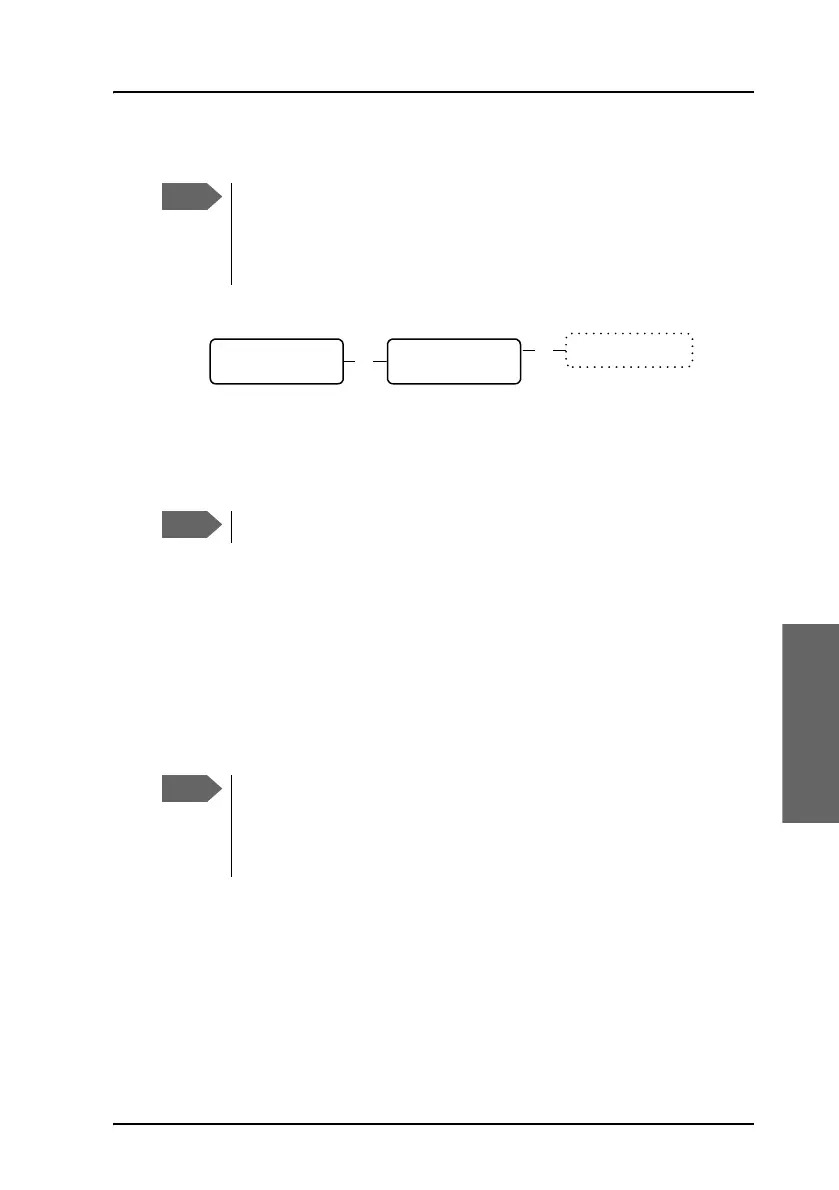
1. Select Manual Logon to select the satellite type you want to logon
to: I3 or I4. Use
B and E to scroll through the list and C to
select.
2. Select the GES from the list of known GESs. Use
B and E to scroll
through the list and
C to select.
To make a custom logon
You can use this menu if you need to log on to a GES which is not in the list
of known GESs.
1. Select Custom Logon to manually enter the Sat-ID and GES-ID you
want to use for logging on.
For a list of supported GESs, see List of available GESs on page 215.
2. Enter the Sat-ID and GES-ID and press C to confirm.
Before logging on manually, make sure the Logon Policy is set to
Manual. To change the Logon Policy, select Settings from the
Logon Menu and then Logon Policy. You can toggle between
Manual and Automatic and select with
C.
In most cases the I4 satellite is used.
OK
Manual Logon
I3: H+, SW64
I4: H+, SBB
OK
Scroll through the
list of known GESs
Before making a Custom Logon, make sure the Logon Policy is set
to Manual. To change the Logon Policy, select Settings from the
Logon Menu and then Logon Policy. You can toggle between
Manual and Automatic and select with
C.



 To Next Page