Chapter 3: Calls, faxes and SMS
64 Operate the handsets
• Classic Aero (H
+
) LED (GREEN): The H
+
LED indicates that the system
is logged on to H
+
services.
• Alarm LED (RED): The Alarm LED illuminates when the system detects a
fatal or essential fault. An error code is also shown in the display.
• Ringing LED (AMBER): The Ringing LED flashes when the handset is
ringing. When a connection is established the LED is turned off.
• Swift64 LED (GREEN): The Swift64 LED indicates that the system is
logged on to Swift64 services. Note that this LED is not lit when the
system is logged on to an I4 satellite providing SwiftBroadband
services.
Display symbols
The below list shows the meaning of each of the various symbols, that may
appear in the display.
Symbol Meaning
Y
More menu entries above.
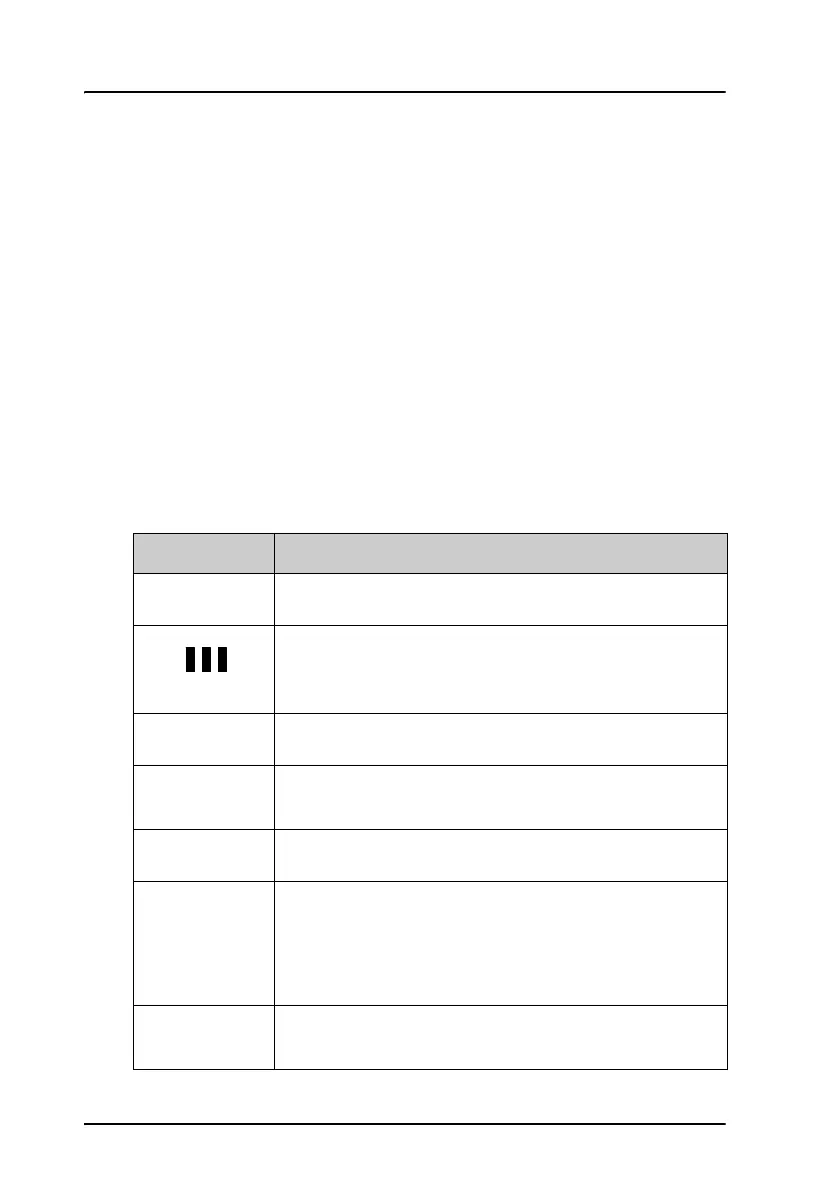
Calls on hold.
Each bar represents a call on hold. In this example there
are 3 calls on hold.
Z
More menu entries below.
]
The G key has been pressed. The 2
nd
function will be
used for the next key pressed.
^
A valid PIN code is required to use the terminal.
_
The keypad is in alpha mode. Alpha mode is used to
enter letters (for example names in the phone book).
Note: This symbol does not indicate capital letters.
The
U key is used to toggle the Caps lock function.
`
The value in a menu must be selected between certain
predefined values by means of the
B and E keys.



 To Next Page