Chapter 5: System operation
Full Feature handset operation (SDU) 139
5555
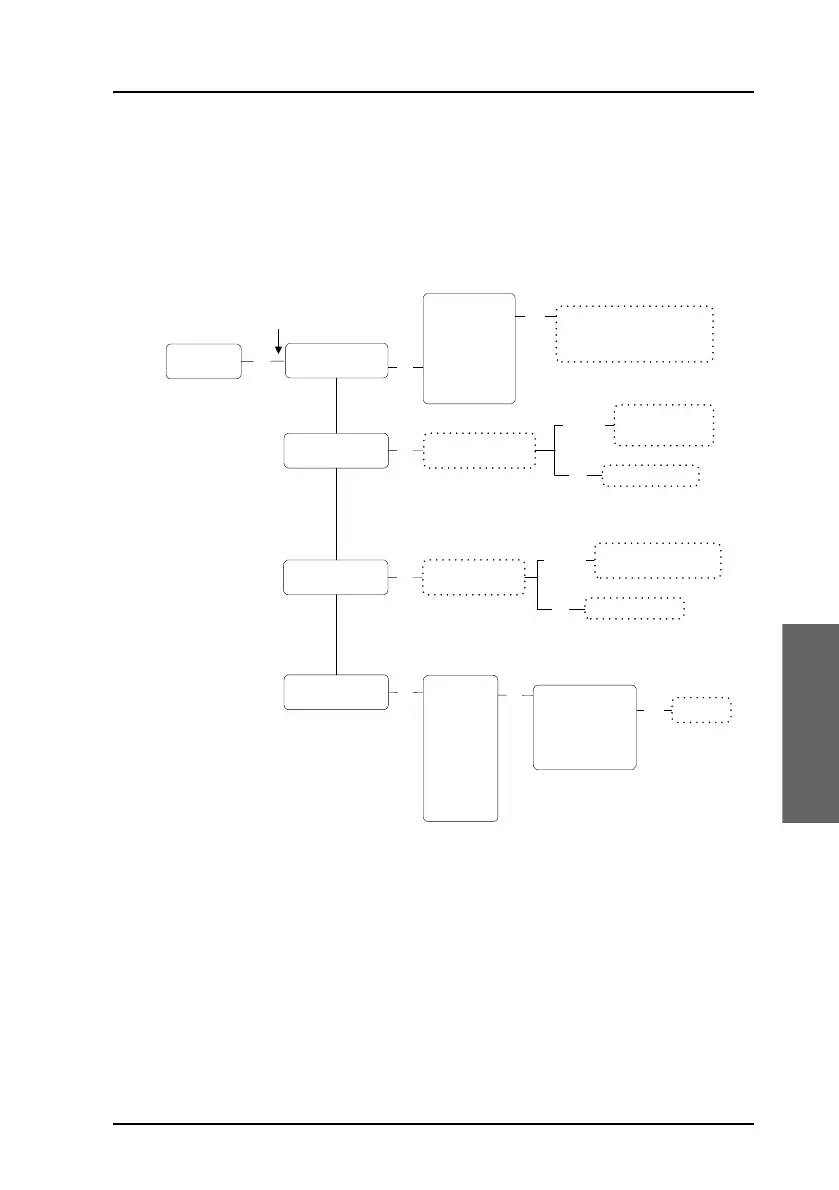
The Configure submenu
To access the Configure submenu, enter the System Setup
menu, scroll down to Configure and press
C.
Configure
Handset Type
O
K
Known GESs
Known LESs
Init Sat
Scroll through the
list of known GESs
OK
O
K
Scroll through the
list of known LESs
O
K
O
K
Sat #1
Sat #2
Sat #3
Sat #4
Sat #5
Sat #6
Sat #7
Sat #8
Edit/Ins
Del
Edit
Handset #1
Handset #2
Handset #3
Handset #4
POTS #5
POTS #6
Scroll between Not installed,
T&T handset, MagnaStar,
WH10, Cockpit Audio,
Iridium-1, Iridium-2, FONE
Edit
GES is deleted
Enter Sat Id, GES
Id, GES Code and
GES Name
Edit/Ins
Del
LES is deleted
Enter LES Access Code
and LES Name
O
K
Satellite Id
Longitude
P-Channel #1
P-Channel #2
Enter
new value
Service Provider
Pin Code



 To Next Page