Chapter 3: Calls, faxes and SMS
Operate the handsets 69
3333
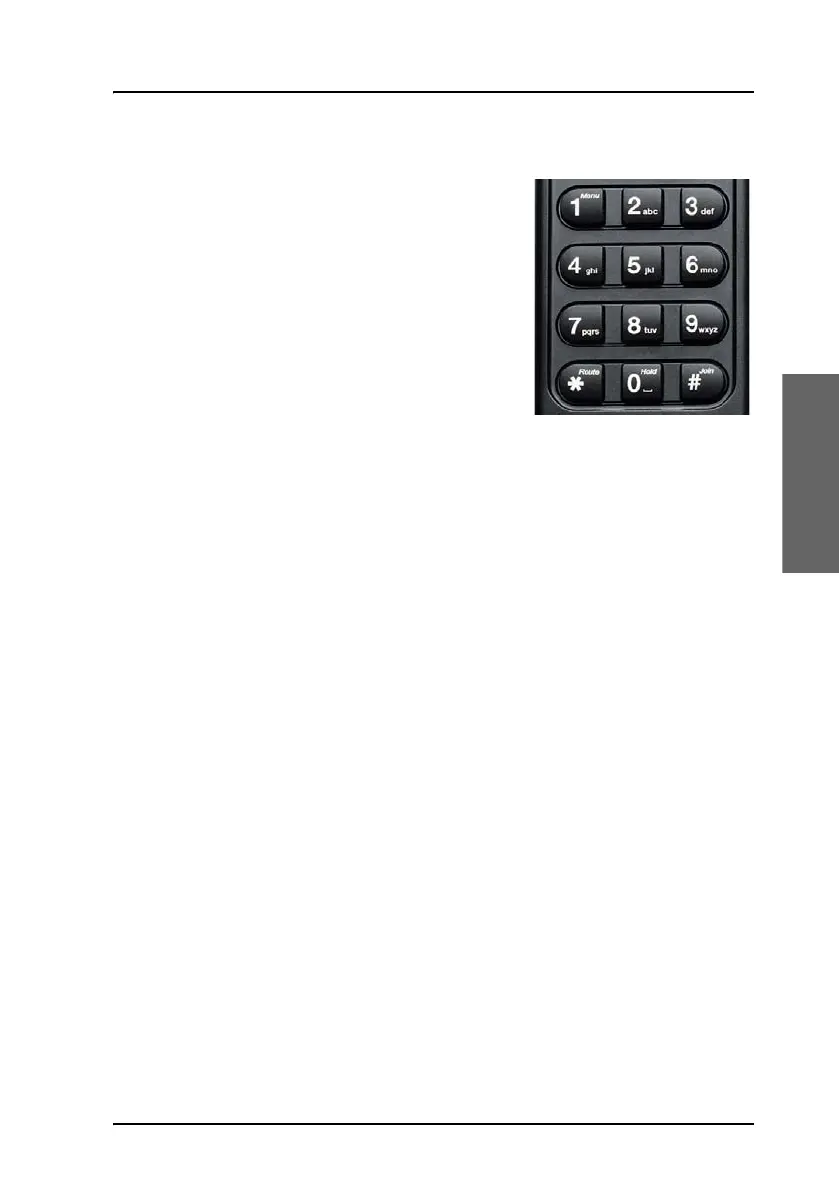
Alpha-numeric keys
The keypad can be in normal (numeric)
mode or alpha mode. Normal mode is used
to enter digits (phone numbers) whereas
alpha mode is used to enter letters (such as
names in the phone book).
Switch alpha/numeric mode
The
F key is used to switch between the
two modes. The
_ symbol in the display
indicates that the handset is in alpha mode.
Enter letters
In alpha mode you can use each of the numeric keys to select between
subsets of the alphabet and certain special characters. To enter a letter,
press the key a number of times until the wanted character is shown in the
display. For example, to insert the letter C, you press the
K key 3 times in
alpha mode.
Caps Lock toggle
The
U key is used as a Caps lock toggle when the handset is in alpha
mode.
S Key
The
S key is a special function key, which is normally used only in
numeric mode.



 To Next Page