1-10 Setting Up the Imager
This topic explains how to add the imager to a simple network. For
adding the imager to a complex network, refer to the
Horizon
Imager Technical Manual
.
NOTE:
If your network is managed by a network administrator or an information technology
(IT) department, it would be considered a complex network. You should have the
responsible person perform any network-related administrative tasks.
By
simple network
, we mean a local-area network (LAN) that is
not
connected to another LAN or wide-area network (WAN).
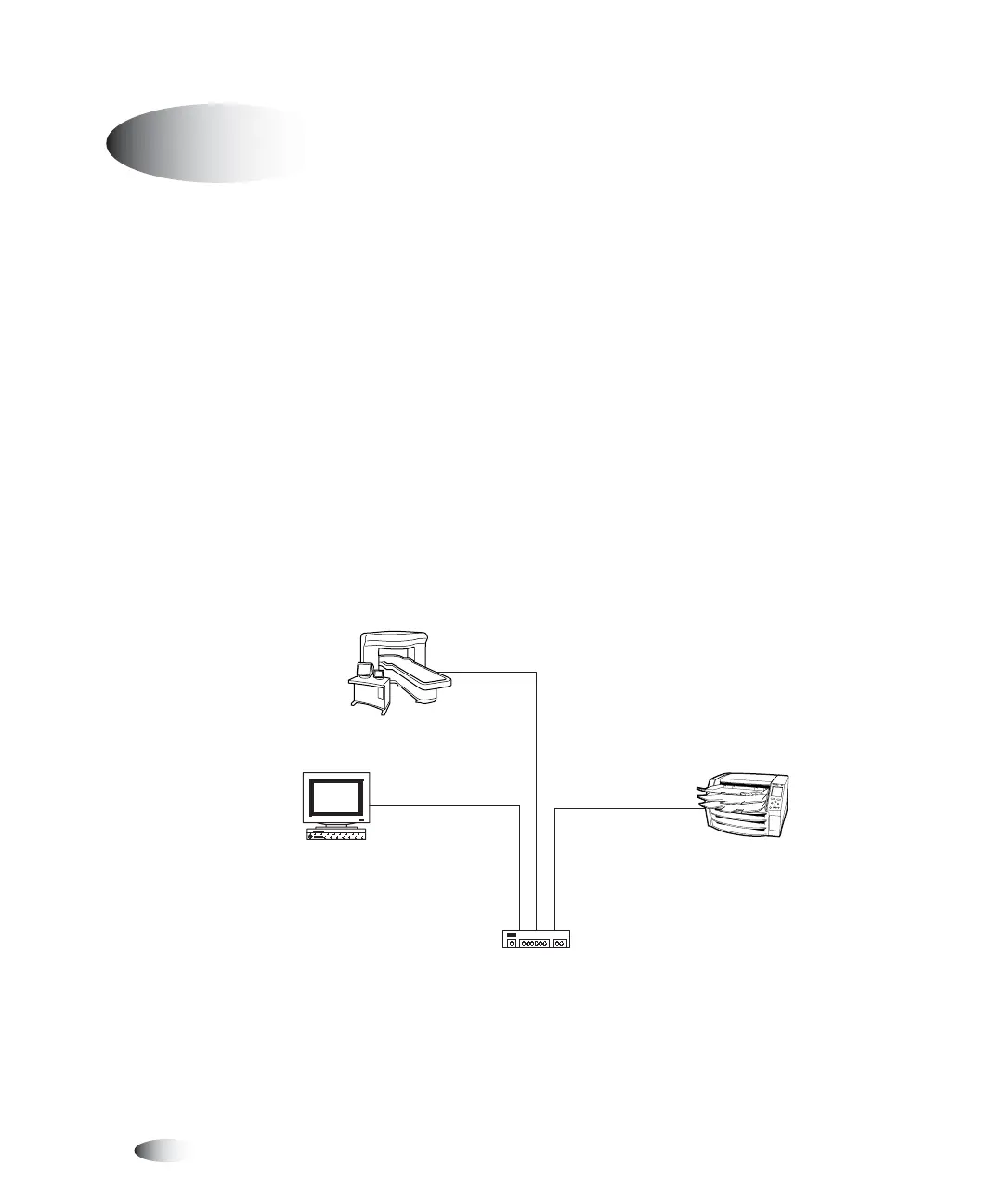
A simple network typically comprises several devices connected by
Ethernet UTP cable through an Ethernet hub. It could also be
simpler yet—a workstation or imaging device connected directly to
the Horizon imager using an Ethernet crossover cable.
Simple Network with Ethernet Hub
Network Settings—Simple Network
3
Imaging device
Ethernet hub
View workstation
Horizon imager



 To Next Page