Horizon Starter Manual 5-3
Printing from Windows
via PostScript
Changing Horizon PostScript Parameters—Windows 2000
and XP
NOTE:
This procedure assumes that the PostScript driver for the Horizon imager has
already been installed on the workstation. For more information, refer to the “Windows 2000
Driver Installation—Horizon” or “Windows XP Driver Installation—Horizon” Technical Brief.
Refer to the
Horizon User’s Manual
for information on other versions of Windows.
1. Initiate the print job from the Windows application.
The Print dialog box displays.
2. Make sure that the Horizon imager is the selected printer.
3. Click the
Properties
button.
The Document Properties dialog box displays.
4. Click the
Advanced
button.
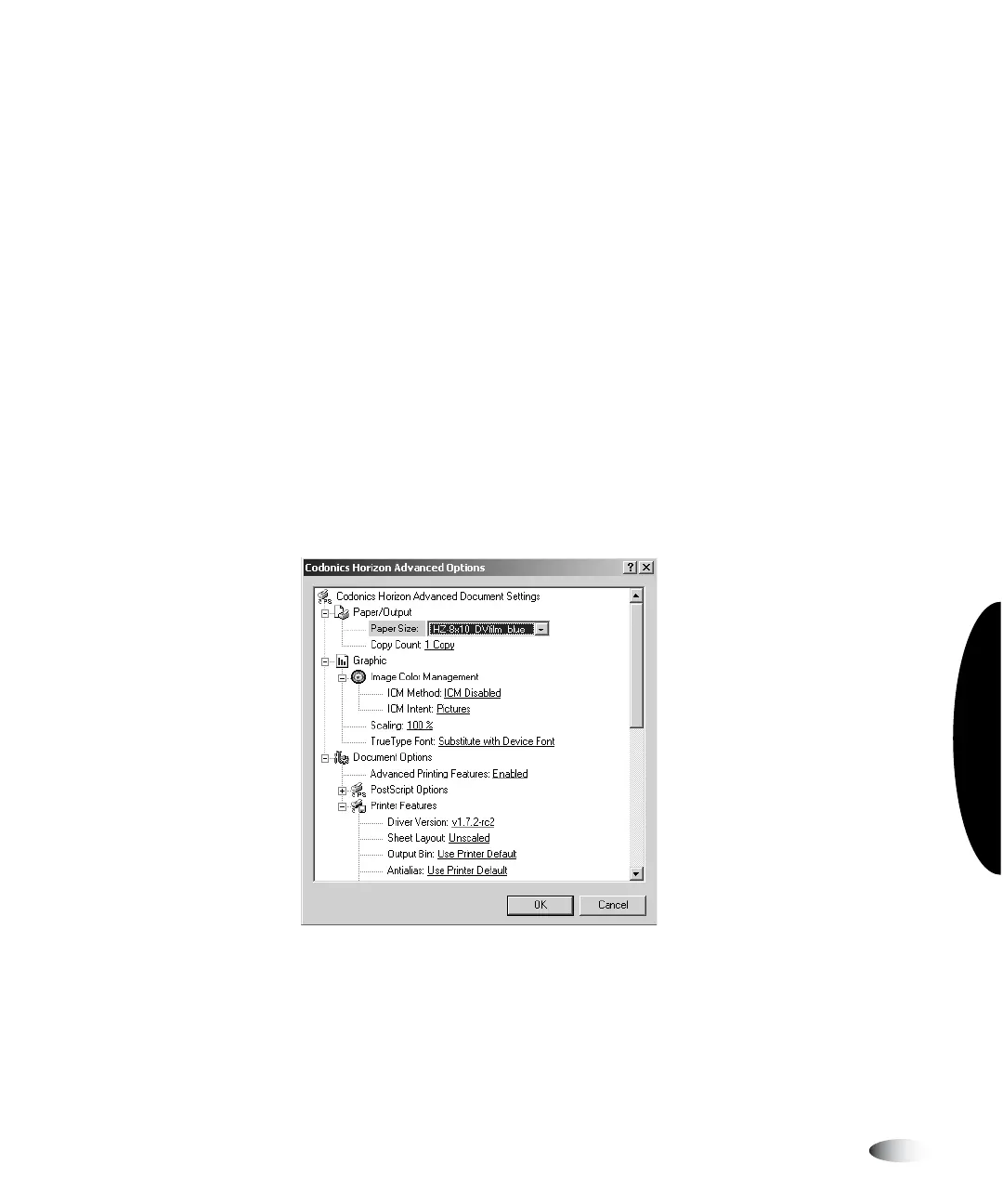
The Advanced Options dialog box displays.
3
8
To change the
PostScript
parameters in
Windows 2000
and XP



 To Next Page