2-4 Basic Imager Operations
Observing the Imager’s Operating Status
in the Status Screen
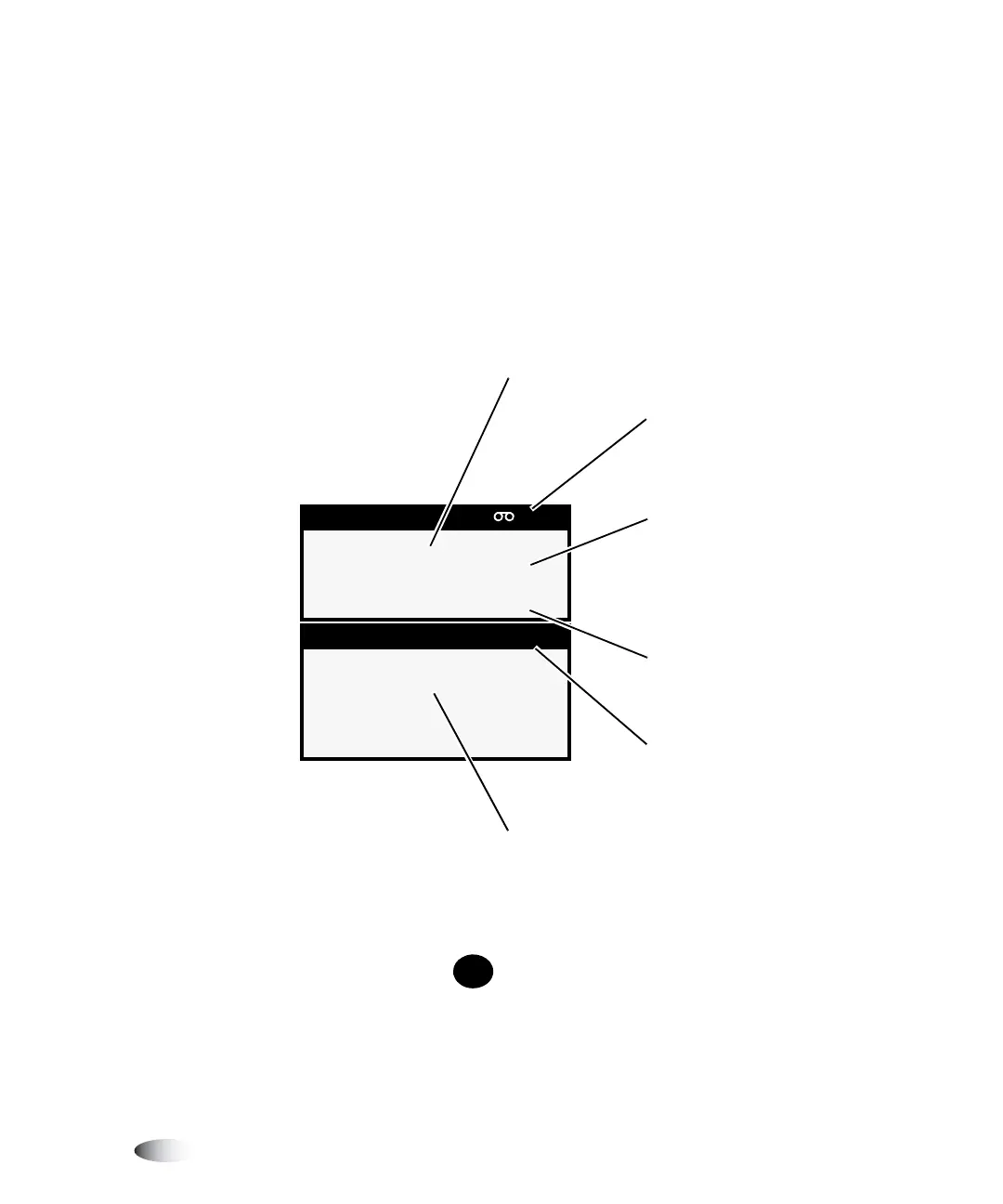
The Status screen allows you to observe the imager status. The top
portion of the screen—the Supply window—displays the status of
the three supply cassettes and whether a color ribbon is installed.
The bottom portion of the screen—the Status window—displays
printing status messages and the imager’s operational state.
To get additional information about the currently selected status
message, press the key.
Supply CMY
1: 8X10 DV Blue 53
2: A CV Paper 50
3: 14X17 DV Blue 76
Status OK
X
Sheets queued: 3
Indicates that color ribbon
is installed and its status
Supply window: Indicates
status of supply slots
Number of sheets left in
cassette
Status window: status
messages displayed here
Operational state (OK,
ALERT, or FAULT)
When activity occurs, each
supply entry toggles with
activity status related to
cassette (processing, printing,
calibrating, media jam)
HELP



 To Next Page