Horizon Starter Manual 2-7
Basic Imager Operations
Powering Off the Imager
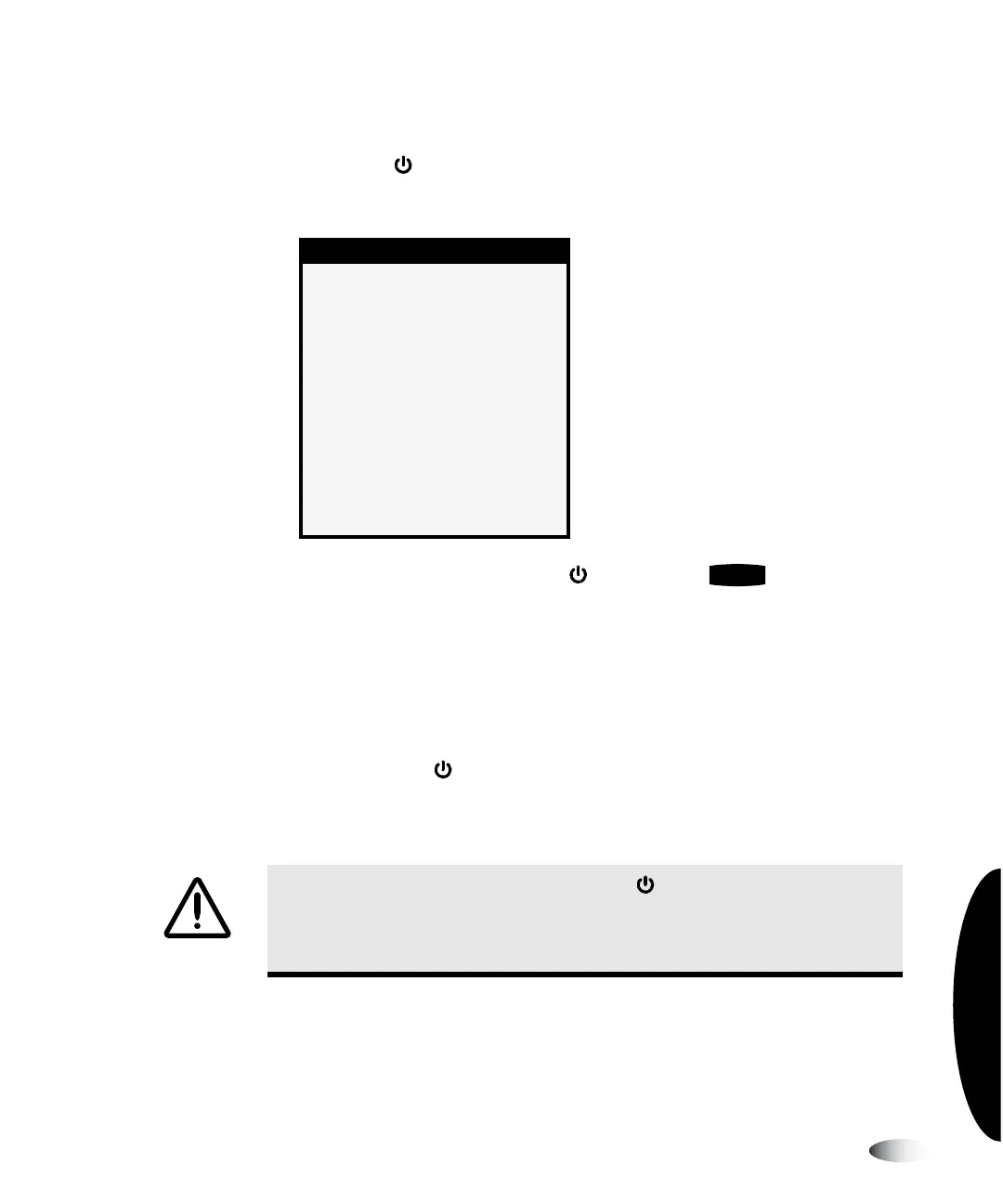
1. Press the (power) key at the control panel.
The Power menu displays.
NOTE:
To cancel the power off , press the key again or the key.
2. Select the
Power Off
option.
Shutdown messages are displayed. When the shutdown
operation is complete, the imager powers off.
NOTE:
Always use the
key at the control panel to power on/off the imager. The power
rocker switch at the back of the imager should always be in the
1
(on) position, unless the
imager is being serviced or moved.
Power
X
Power Off
Reboot
CAUTION
If the imager is powered off using the key, unprinted queued jobs are
saved and will finish printing once the imager is powered on again. However, if the
imager is powered off using the rocker switch in the back or power is interrupted,
queued jobs may be lost.
8
To power off
the imager
3
CANCEL
3



 To Next Page