2-10 Basic Imager Operations
Alert and Fault Messages and the Fault
Tone
When the imager needs attention or an error occurs, the
ALERT
or
FAULT
indicator lights. Messages are displayed in the Status screen
to help you respond to the condition.
If operator intervention is required, a Fault tone sounds. To stop the
Fault tone, press any control panel key.
For more information about alert and fault messages and how to
respond to them, refer to Chapter 9.
Control Panel Display
Main Menu
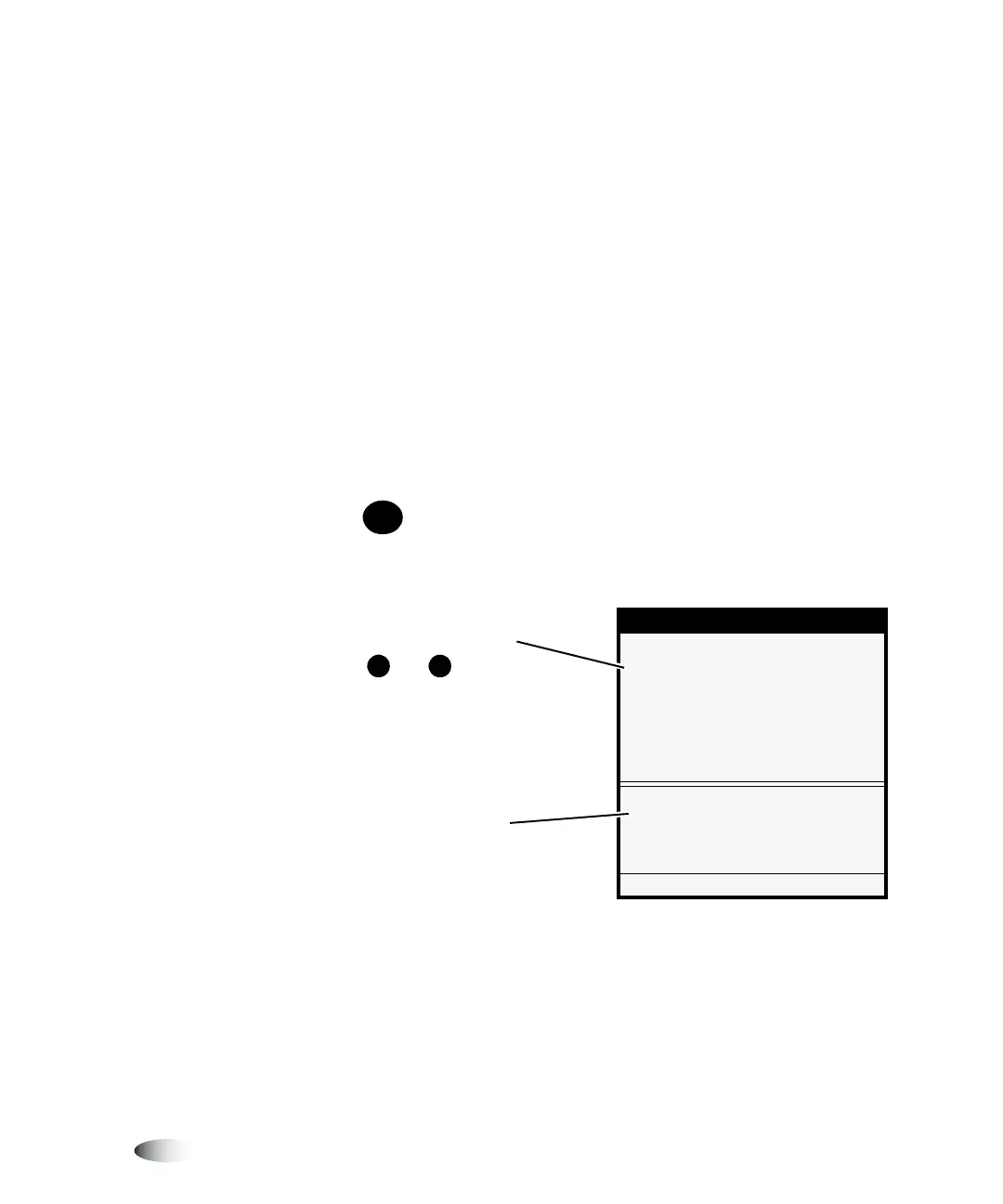
When the key is pressed, the
Main Menu
displays. Use the Main
Menu to perform basic and frequently used imager operations.
MENU
Menu
Default Media...
XOpen Top Cover...
Load/Remove Ribbon...
Utilities...
Test Prints...
Access Imager internals to clean or
to change ribbon
Press MENU to exit menus
Selector arrow;
use the and keys to
scroll the selector arrow
through the list.
S
T
Help message area



 To Next Page