1-2 Setting Up the Imager
The Horizon imager comes stored in two boxes:
•
The imager is stored in the larger box.
•
The receive trays, power cord, manuals, technical briefs, and
other accessories are stored in the smaller box.
1. Move the imager box close to the desired location.
2. Open the imager box and follow the instructions printed on the
box insert.
3. Lift the imager from the box and position it at the desired
location.
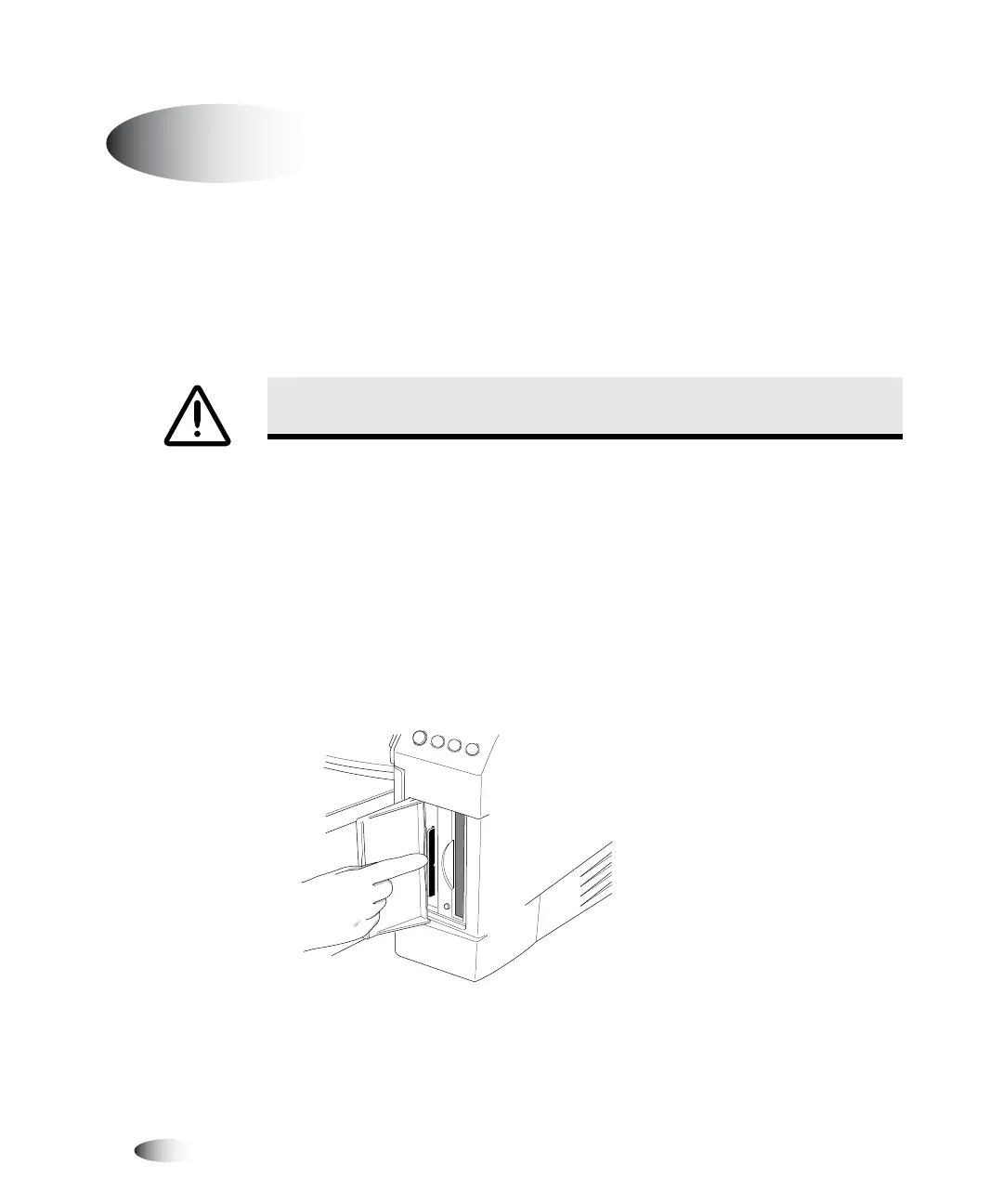
4. Open the Smart Card/Zip drive access door at the lower right
front of the imager and make sure that the Smart Card is fully
seated in its slot.
Installing the Imager
WARNING The imager is heavy. To avoid injury, use two people to unpack and
position the imager.
8
To install the
imager



 To Next Page