Horizon Starter Manual 9-9
Troubleshooting
Color Ribbon Status
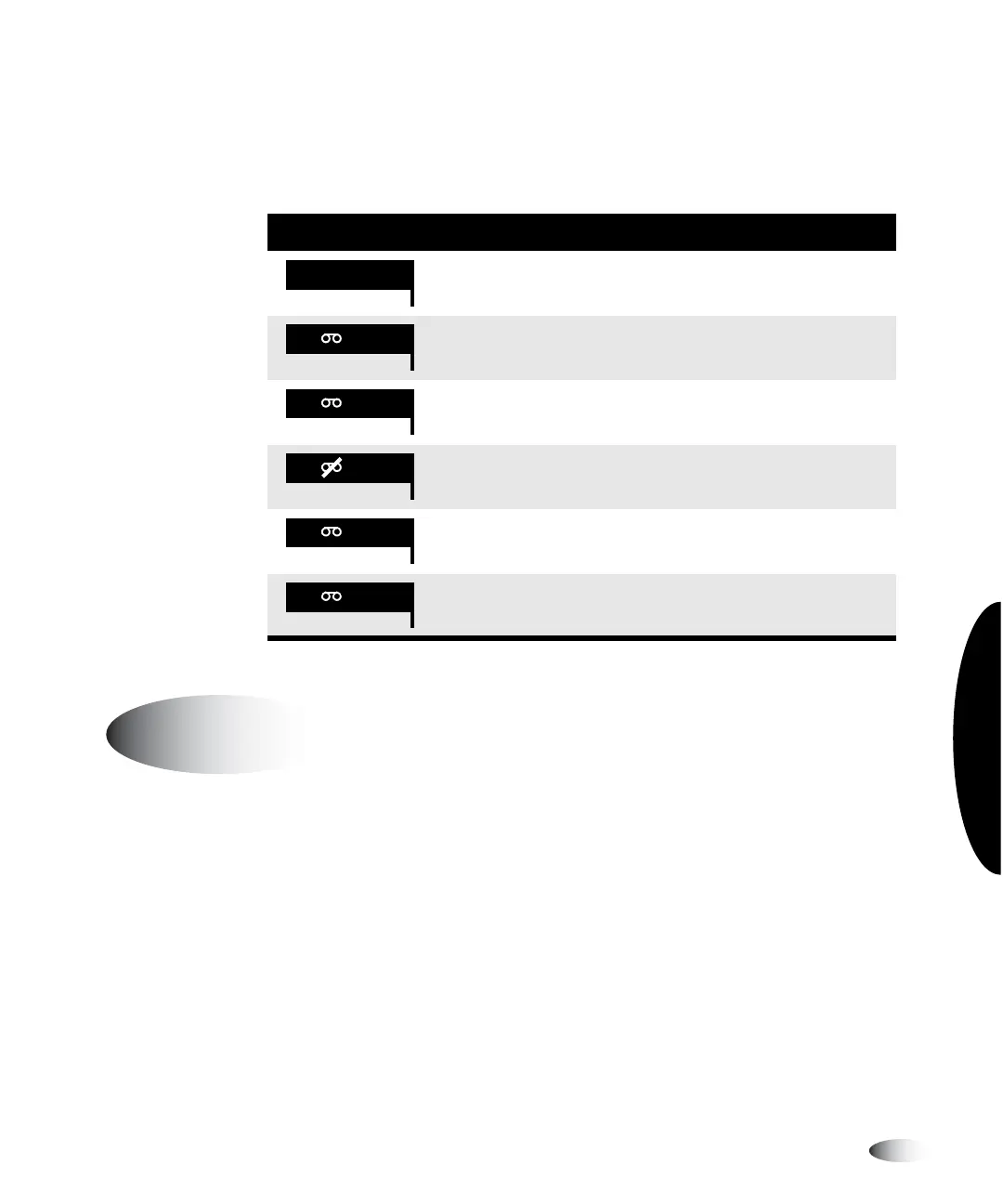
The following table lists the color ribbon status indications.
A sheet may occasionally get jammed in the imager. If this happens:
•
The imager goes offline.
•
A fault message displays.
•
The area at which the jam occurred is indicated in the Status
window.
•
The
FAULT
indicator lights.
•
An audible fault beep sounds.
Table 9-7. Color Ribbon Status Indications
Indication Explanation
Blank; the imager supports only DirectVista grayscale media.
Ribbon loaded. Ribbon type indicated (CMY for
cyan/magenta/yellow).
Ribbon loaded but the ribbon is spent.
Ribbon not loaded (and the imager does support ChromaVista
color media).
State of ribbon being determined.
Ribbon loaded but in an error condition.
CMY
OUT
WAIT
ERR
Clearing a Sheet Jam



 To Next Page