1-8 Setting Up the Imager
NOTE:
When connecting the imager to only one workstation without the use of a hub, you
must use a special Ethernet cable, called a
crossover cable
. Optionally, you could still
connect the imager and the single workstation using two standard Ethernet patch cables and
a hub. This would allow for future expansion of the network.
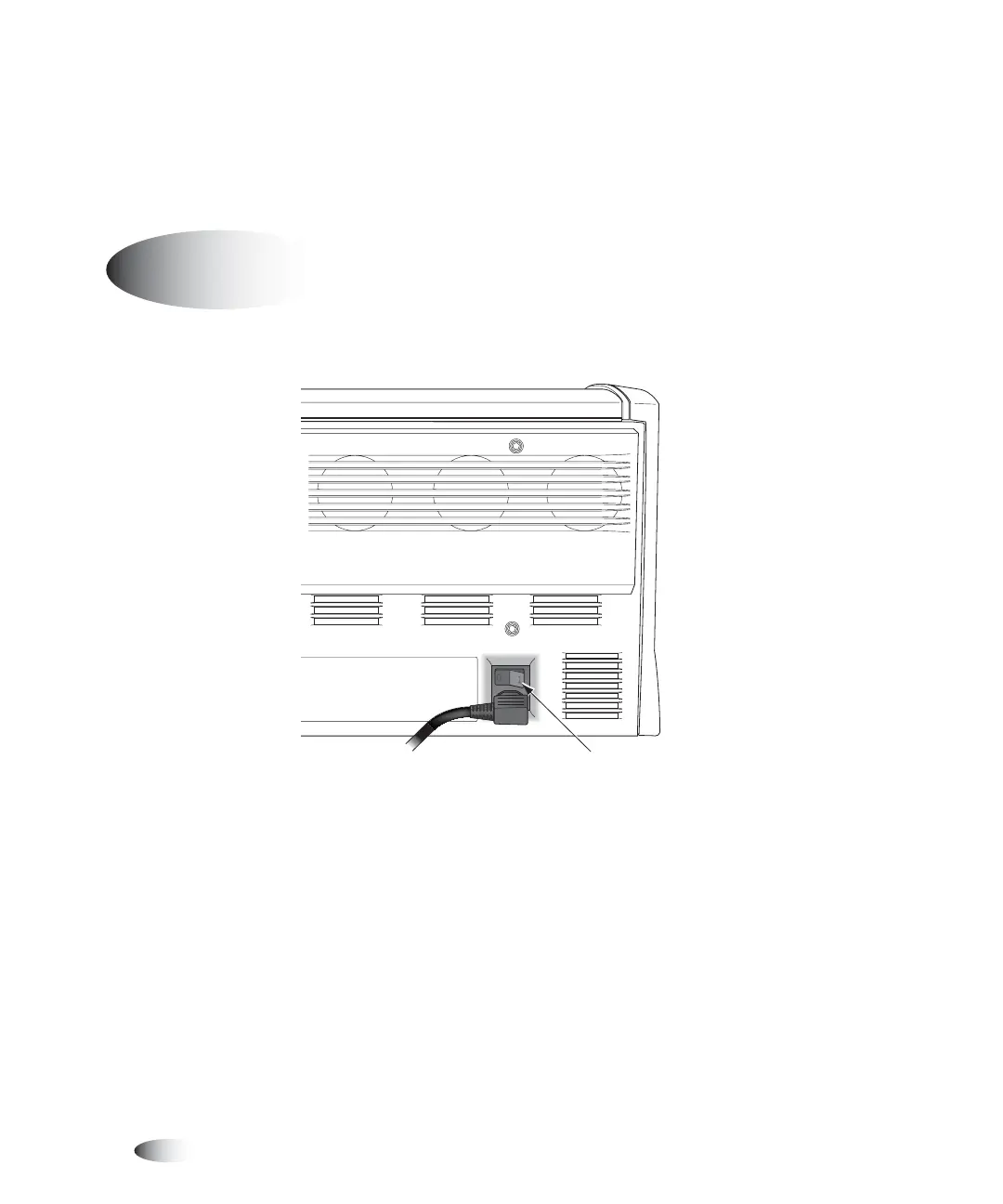
1. Press the power rocker switch to the
1
(on) position.
3
Powering On the Imager—First Time
8
To power on
the imager
Power rocker switch



 To Next Page