Codonics Virtua User’s Manual 5-7
Recording and Labeling
aDisc
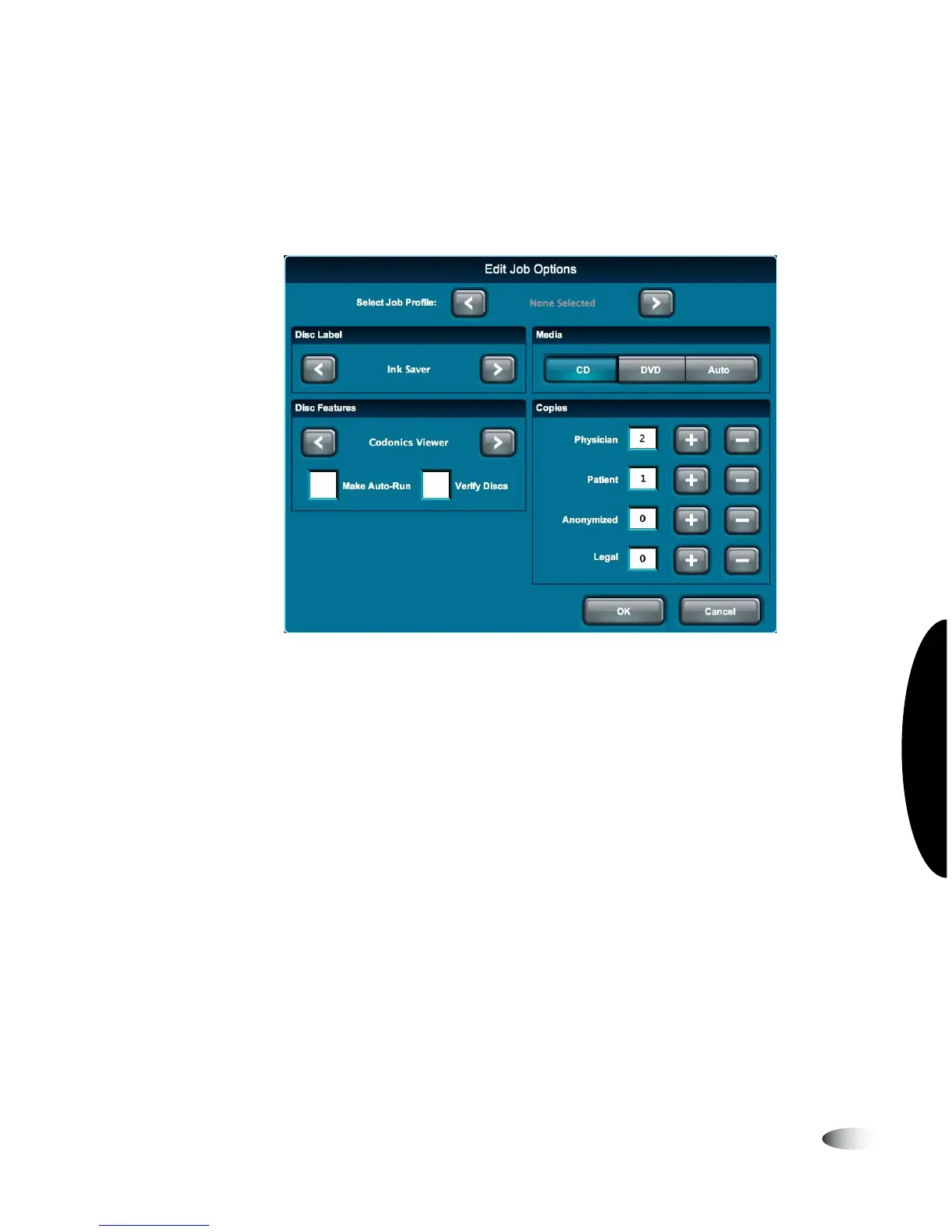
4. To change the job options, or to select a different Job Profile,
touch the
Edit Options
button.
The Edit Job Options window displays.
5. Change the job options as needed. For a description of the
options, refer to “Job Options” on page 5-10.
6. When you are finished making changes to the options, touch the
OK
button (or the
Cancel
button to cancel the changes).



 To Next Page