5-8 Recording and Labeling a Disc
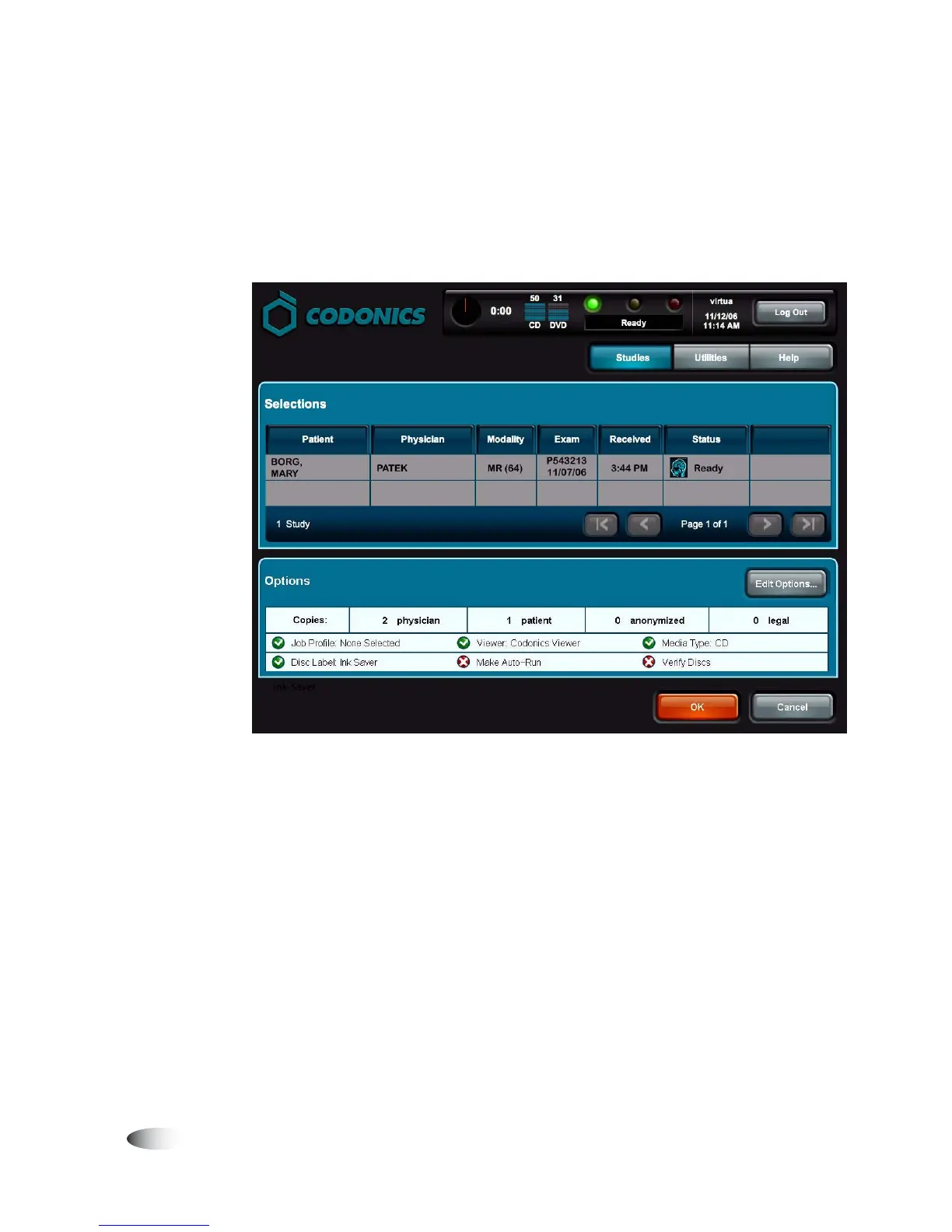
Any changes you make are reflected in the Options panel. In this
example, the number of disc copies was changed to
2
for the
physician and
1
for the patient. Also, the Disc Label setting was
changed to Ink Saver and the Make Auto-run setting was
disabled.
7. When you are ready to record the selected studies, touch the
OK
button.
NOTE:
If multiple patients are selected to record on the same job, an alert is displayed to
notify you of this condition and allow you to continue or cancel the job.
3



 To Next Page