11-18 Device Status and Troubleshooting
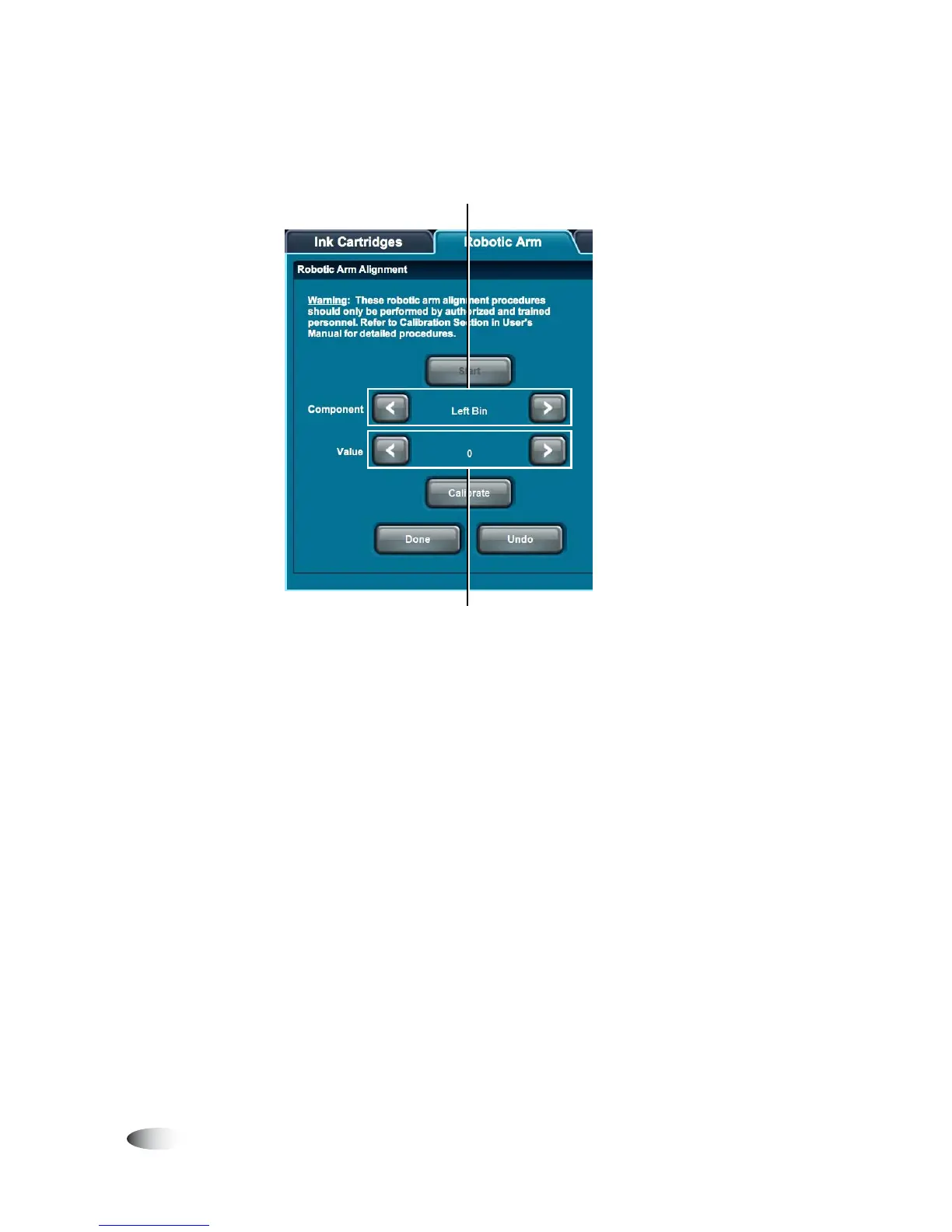
The calibration setting buttons become enabled.
5. Touch the upper arrow buttons to select which calibration to
execute: Left Bin, Right Bin, Printer Tray, Top Drive Bay, Bottom
Drive Bay, or Stack Height.
6. Touch the lower arrow buttons to set the calibration value, as
directed by Codonics Technical Support. This is typically a value
slightly more or less than the current value, depending on the
correction direction that is required.
Select what to calibrate here
Select adjustment setting here



 To Next Page