Codonics Virtua User’s Manual 2-25
Setting Up the Hardware
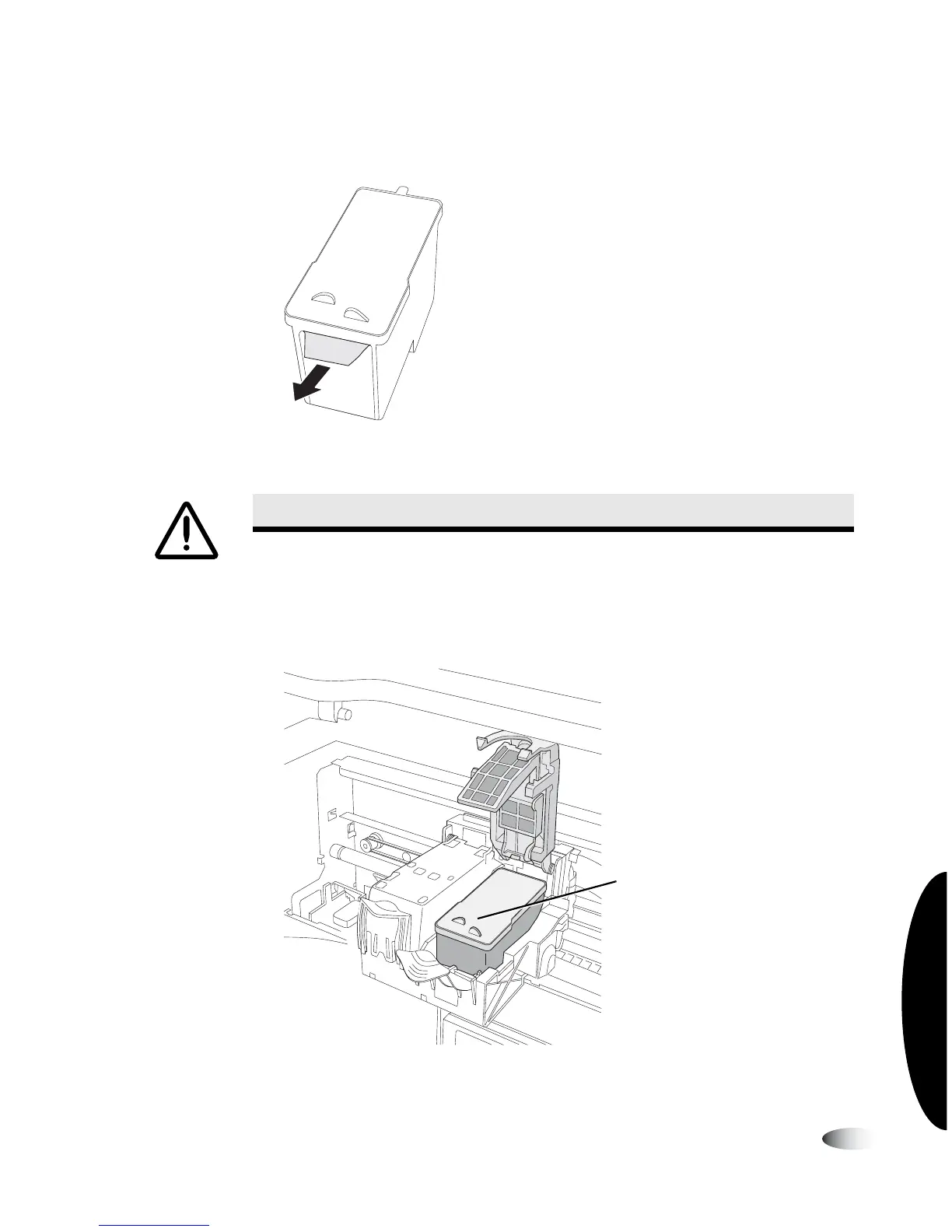
5. Slowly remove the tape covering the cartridge’s print head.
Removing ink cartridge print head tape
6. Insert the ink cartridge into its carrier carriage, copper end first.
Hold the cartridge at a 45º angle as you slide it into its carrier
carriage, then tilt the cartridge down until it snaps into place.
Ink cartridge loaded
CAUTION
Do not touch the copper area of the cartridge print head.
Ink cartridge



 To Next Page