2-26 Setting Up the Hardware
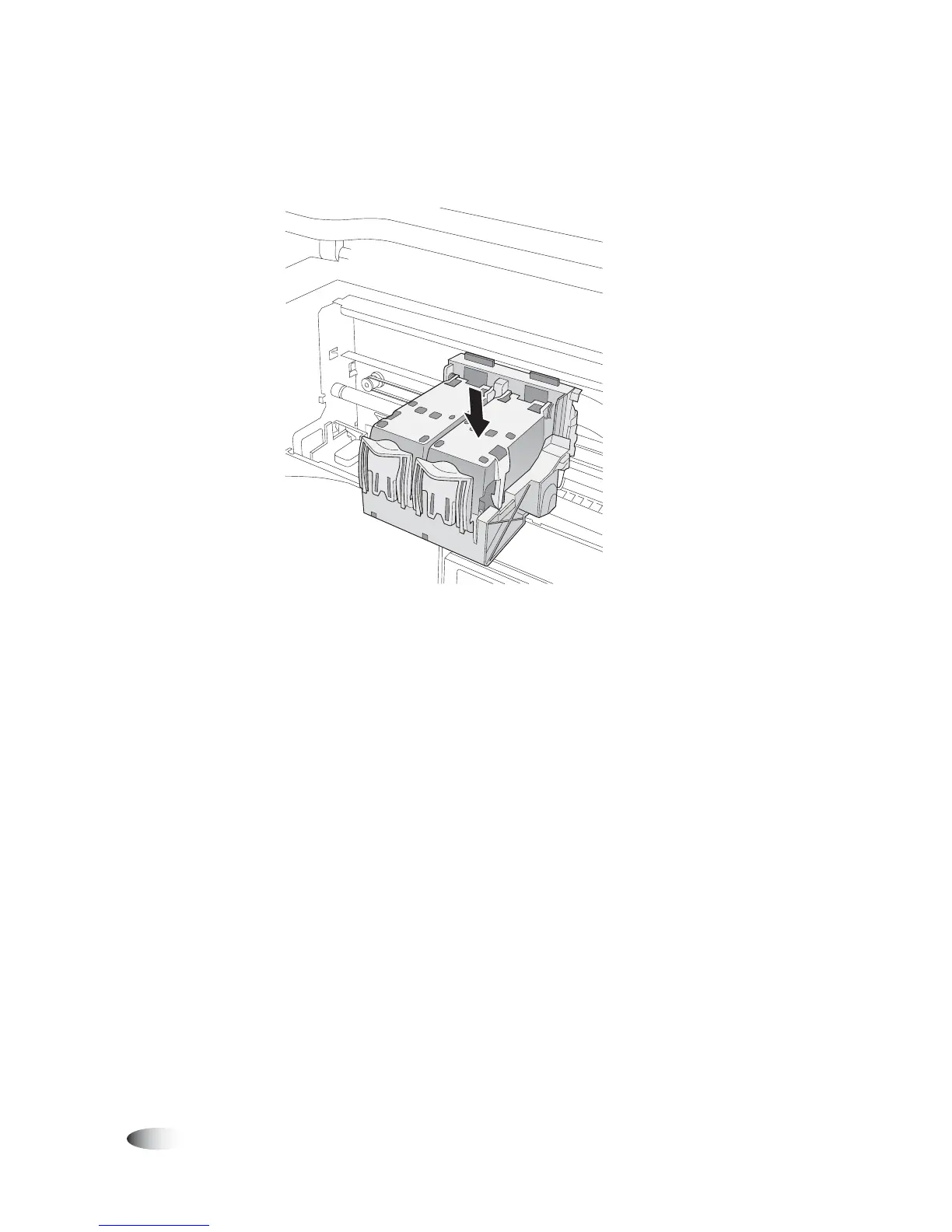
7. Close the cartridge cover until it snaps into place and is secured
by the blue hold-down clip.
Cartridge cover closed
8. Close the Recorder cover.
If you are performing the initial device setup, you are now ready to
set up the software. Go to Chapter 3 for more information.



 To Next Page